Odoo for restaurants and hospitality | Newconomie
Newconomie integrates the restaurant POS, tables, kitchen, reservations, inventory, staff, website, marketing,
and accounting into a single Odoo environment.
What can Newconomie achieve with Odoo for restaurants?
Newconomie can set up Odoo as a central business environment for restaurants. In doing so, restaurant POS, table service, kitchen orders, reservations, self-ordering, inventory, purchasing, staff, website, marketing, accounting, and reporting are interconnected.
What can Newconomie achieve with Odoo for restaurants?
Newconomie can Odoo set up as a central business environment for restaurants. This includes restaurant cash register, table service, kitchen orders, reservations, self-ordering, inventory, purchasing, staff, website, marketing, accounting and reports connected to each other.

Odoo for restaurants and hospitality
Connect restaurant POS, service, kitchen, reservations, inventory, staff, website, and accounting in one business environment
A restaurant revolves around hospitality, speed, and consistent quality. Behind the scenes, tables, orders, kitchen, bar, inventory, staff, suppliers, payments, and administration must align well every day.
Newconomie helps restaurants, cafes, bars, lunchrooms, hotel restaurants, catering companies, and hospitality groups organize these processes smartly using Odoo. Not with a collection of disconnected programs, but from one central environment where daily operations and business administration are connected.
Schedule a digital introduction about Odoo for your restaurant ➝
Digitalization for restaurants aiming for further growth
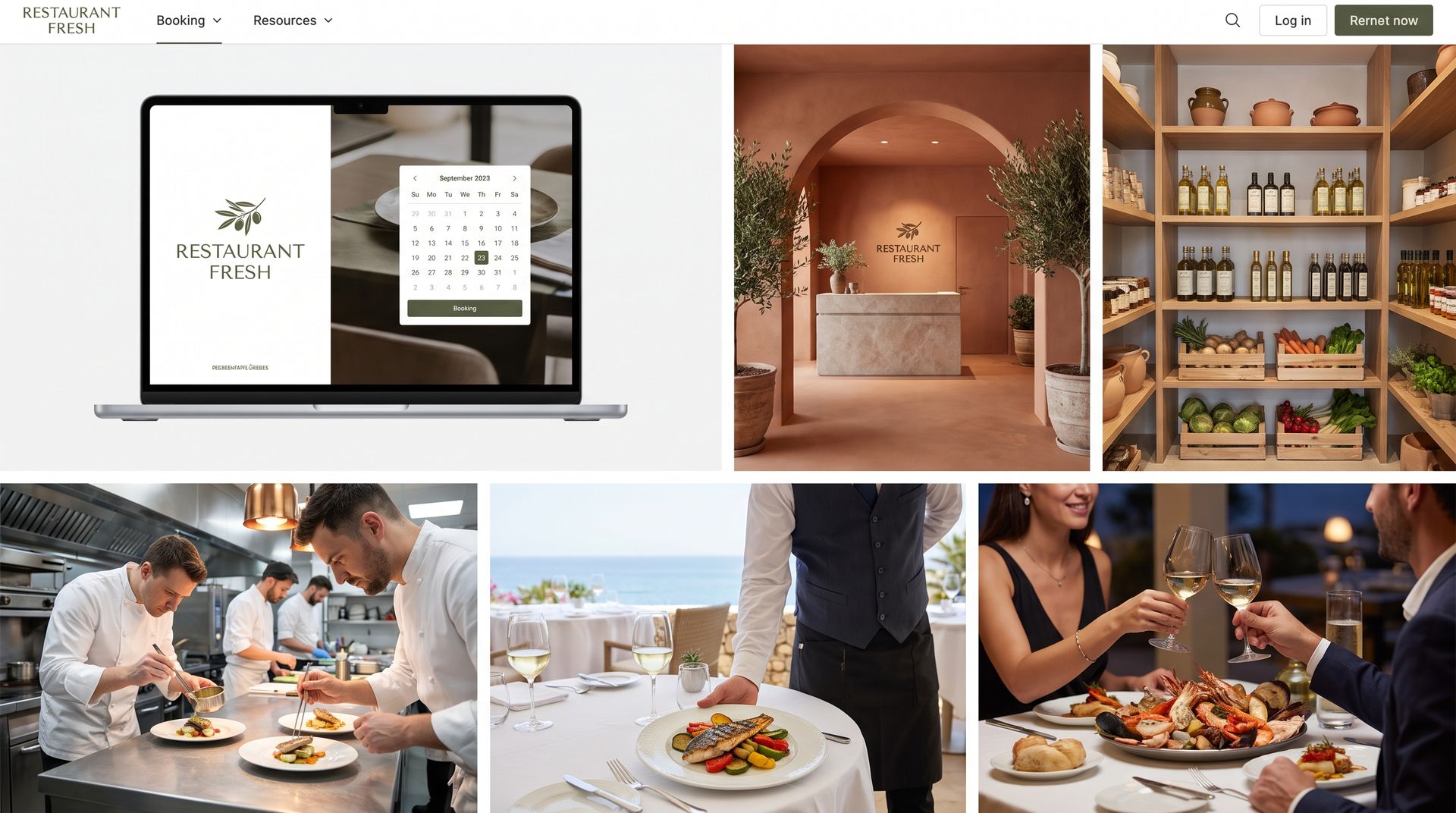
A standalone POS can process orders and payments. But a restaurant also deals with
reservations, kitchen communication, purchasing, inventory, staff planning, online visibility,
marketing, and financial control. When these processes work separately, it leads to double
work, errors, and confusion.
Newconomie designs and implements Odoo around the actual restaurant workflow. We look not only at the technology but also at how service, kitchen, management, and
administration collaborate daily.
Odoo for restaurants and hospitality
Connect restaurant POS, service, kitchen, reservations, inventory, staff, website, and accounting in one business environment
A restaurant revolves around hospitality, speed, and consistent quality. Behind the scenes, tables, orders, kitchen, bar, inventory, staff, suppliers, payments, and administration must connect well every day.
Newconomie helps restaurants, cafés, bars, lunch spots, hotels restaurants, catering companies and hospitality groups to organize these processes smartly with Odoo. Not with a collection of loose programs, but from one central environment where daily operations and business management are connected.
Schedule a digital introduction about Odoo for your restaurant ➝
Digitalization for restaurants aiming for further growth
A standalone cash register can process orders and payments. But a restaurant also deals with
reservations, kitchen communication, purchasing, inventory, staff planning, online visibility,
marketing, and financial control. It is precisely when these processes work separately that double
work, errors, and ambiguity arise.
Newconomie designs and implements Odoo around the actual restaurant workflow. In doing so, we
not only look at the technology but also at how service, kitchen, management, and
administration work together daily.




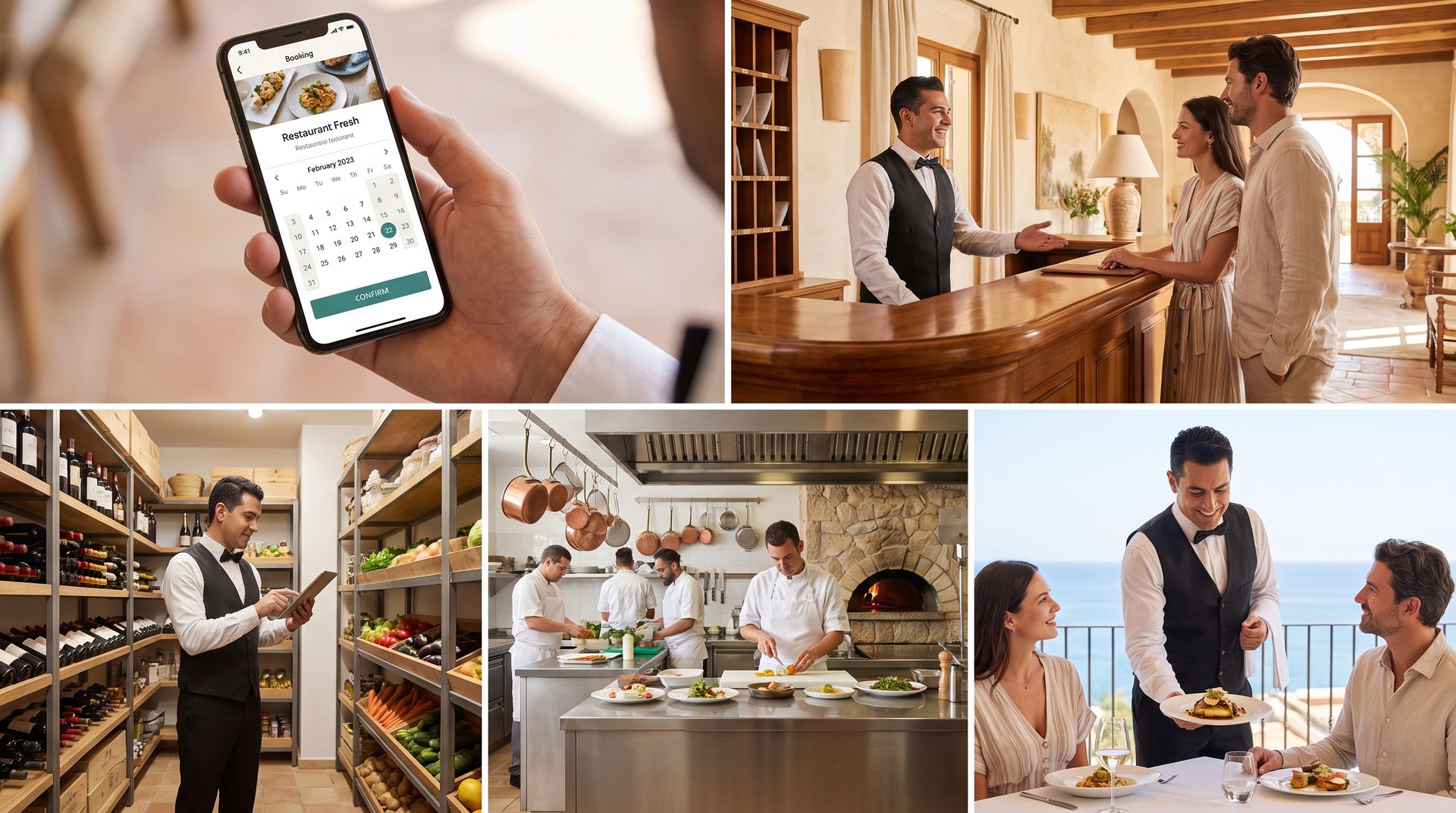
Restaurants
For businesses with table service, different courses, reservations, and a direct connection between the dining room and kitchen.
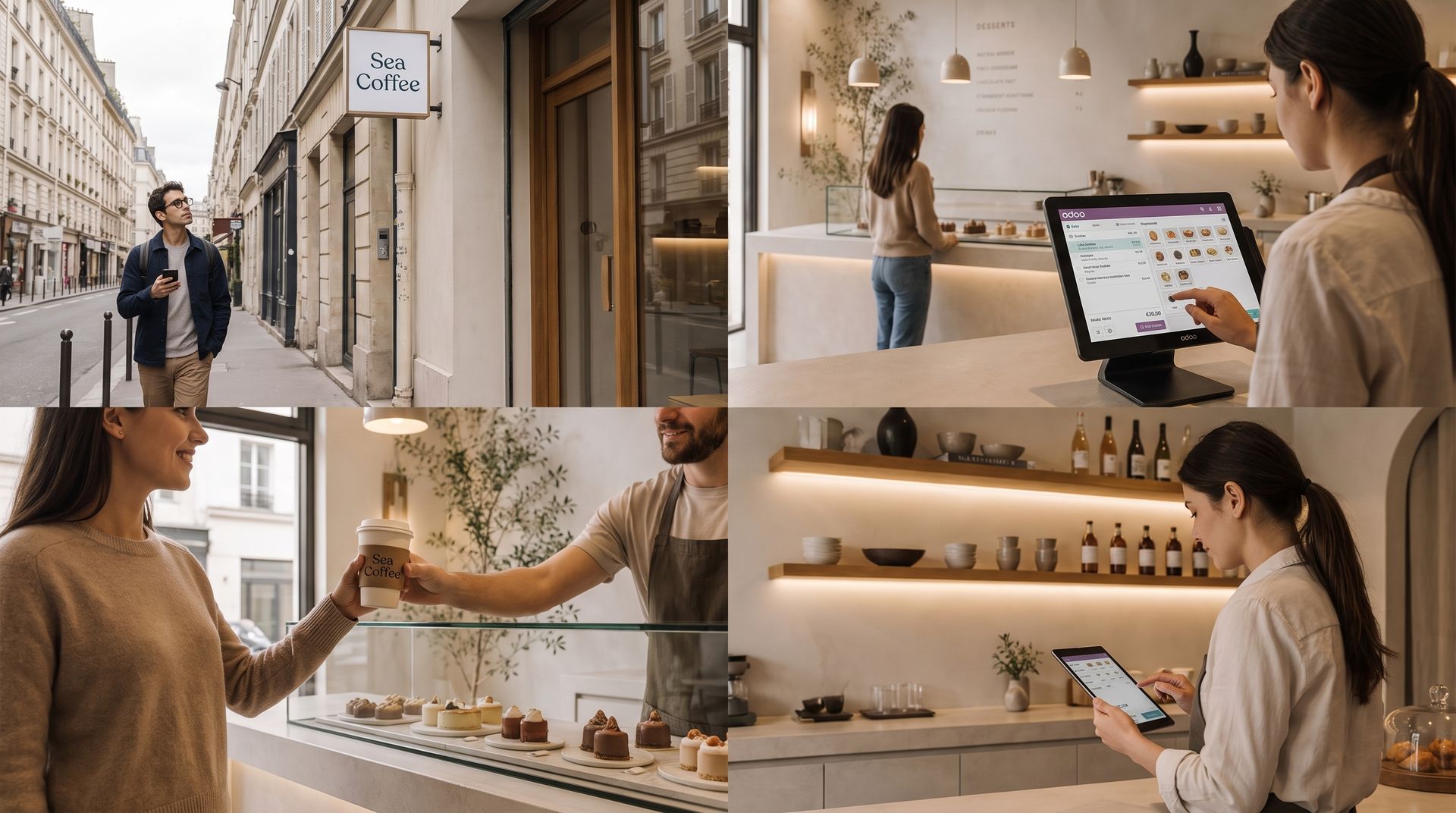
Cafés and bars
For fast bar sales, open tabs, tables, tips, promotions, and inventory management of drinks.
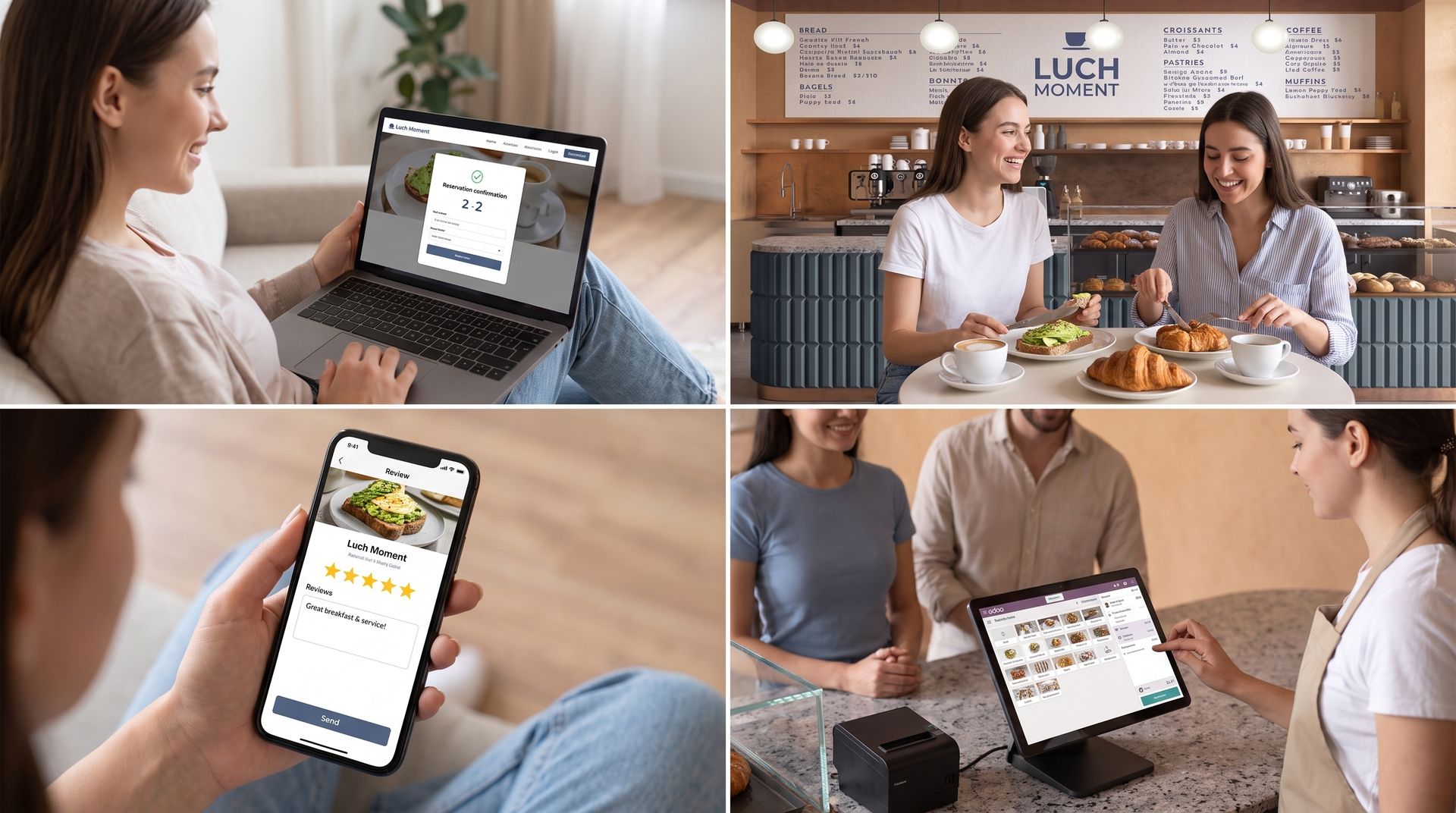
Lunchrooms and coffee shops
For counter and table sales, takeout orders, combos, loyalty, and multiple payment methods.
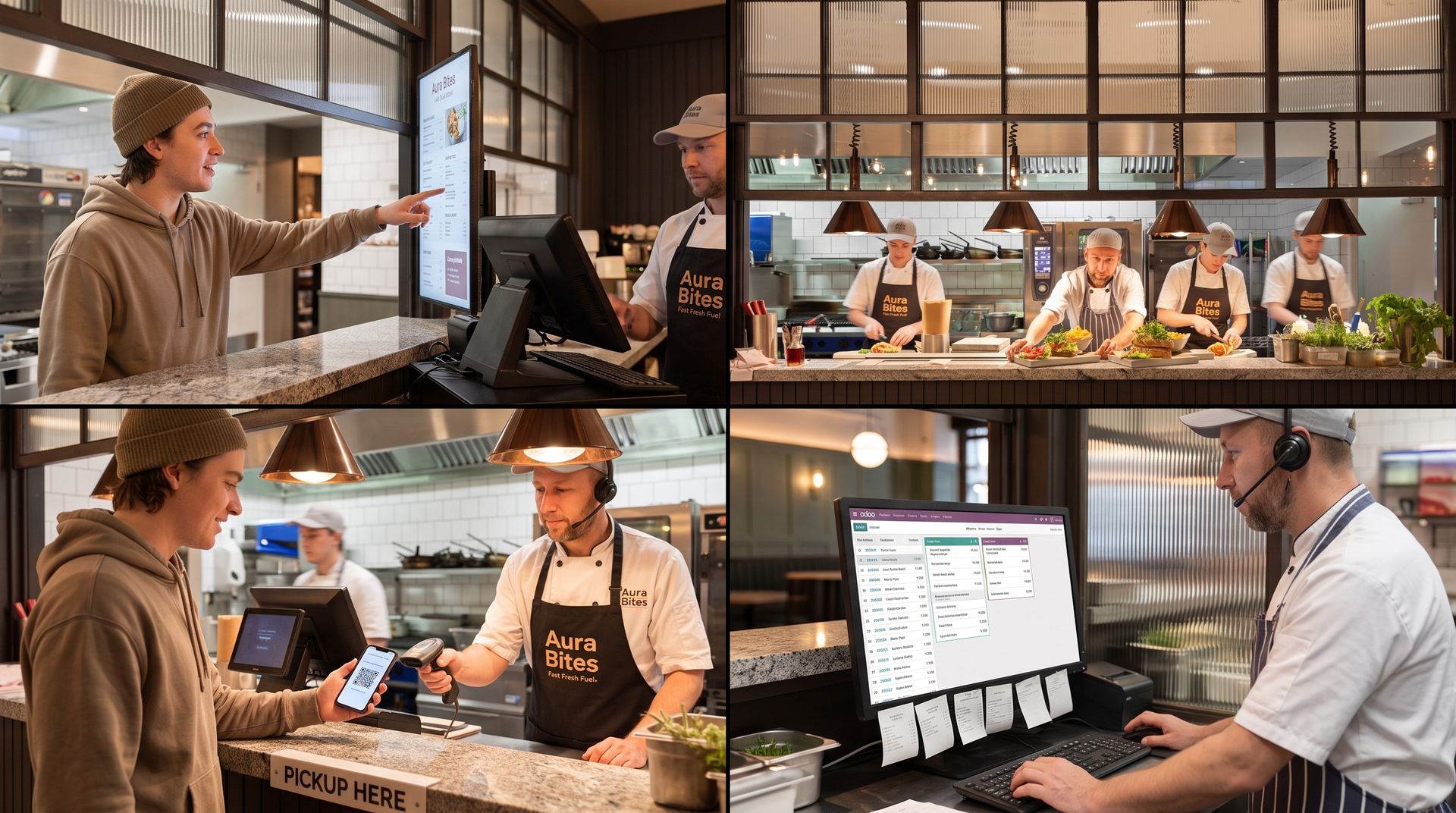
Fast casual and quick service
For kiosks, QR ordering, takeout zones, kitchen statuses, and high order volumes.

Hotel restaurants
For restaurants that want to connect sales, reservations, events, invoicing, and multiple business units.
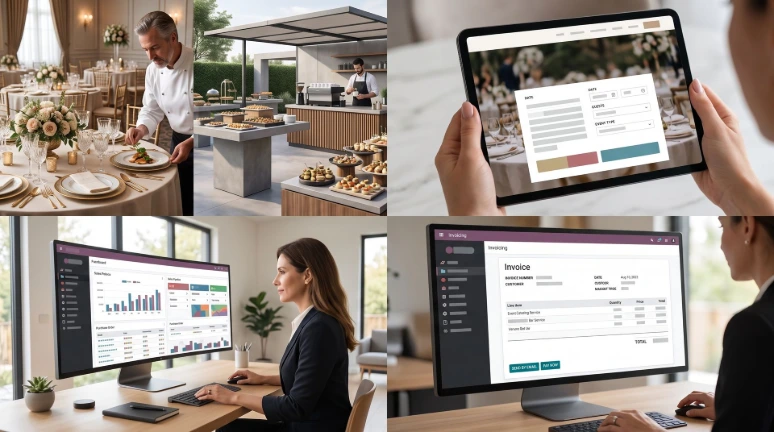
Catering and events
For requests, quotes, packages, planning, purchasing, execution, and invoicing.
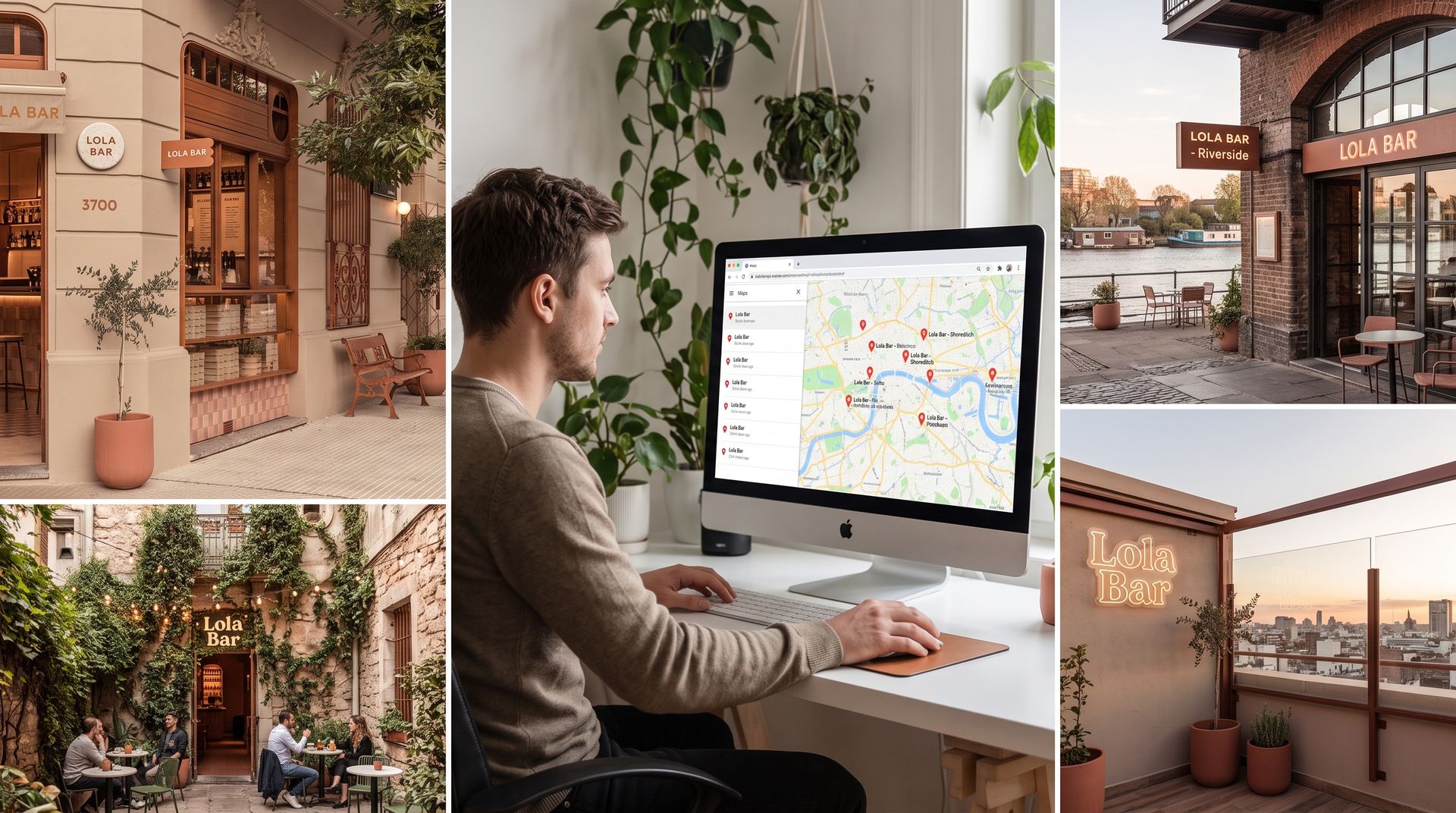
Multiple locations
For restaurant groups that want to work by location and need central insight.
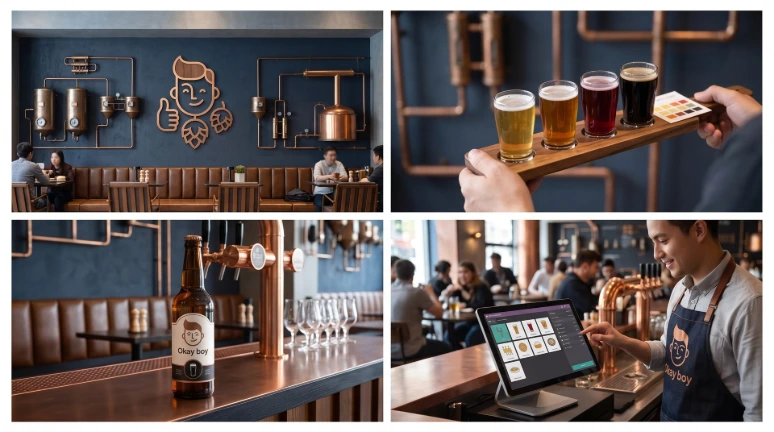
Tasting rooms and brewpubs
For hospitality businesses that also sell products, host tastings or collaborate with their own beverage production.
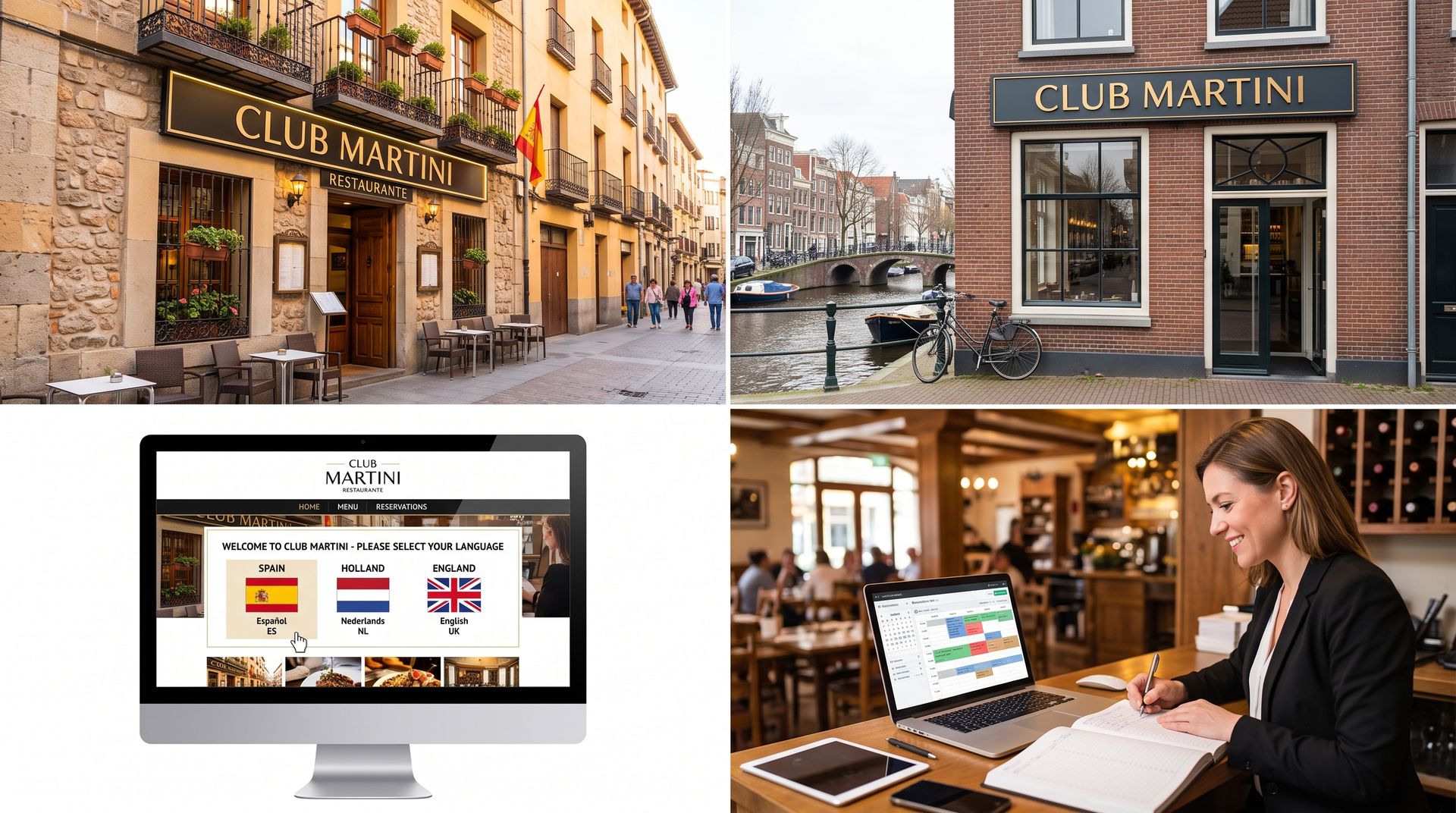
International hospitality concepts
For organizations with multiple companies, websites, languages, taxes and reports
Recognizable within your restaurant?
Many restaurants grow step by step. A reservation system is added, then a separate kitchen platform, a planning app, and an accounting package. Ultimately, important information is spread across different systems, and employees no longer know which data is leading.
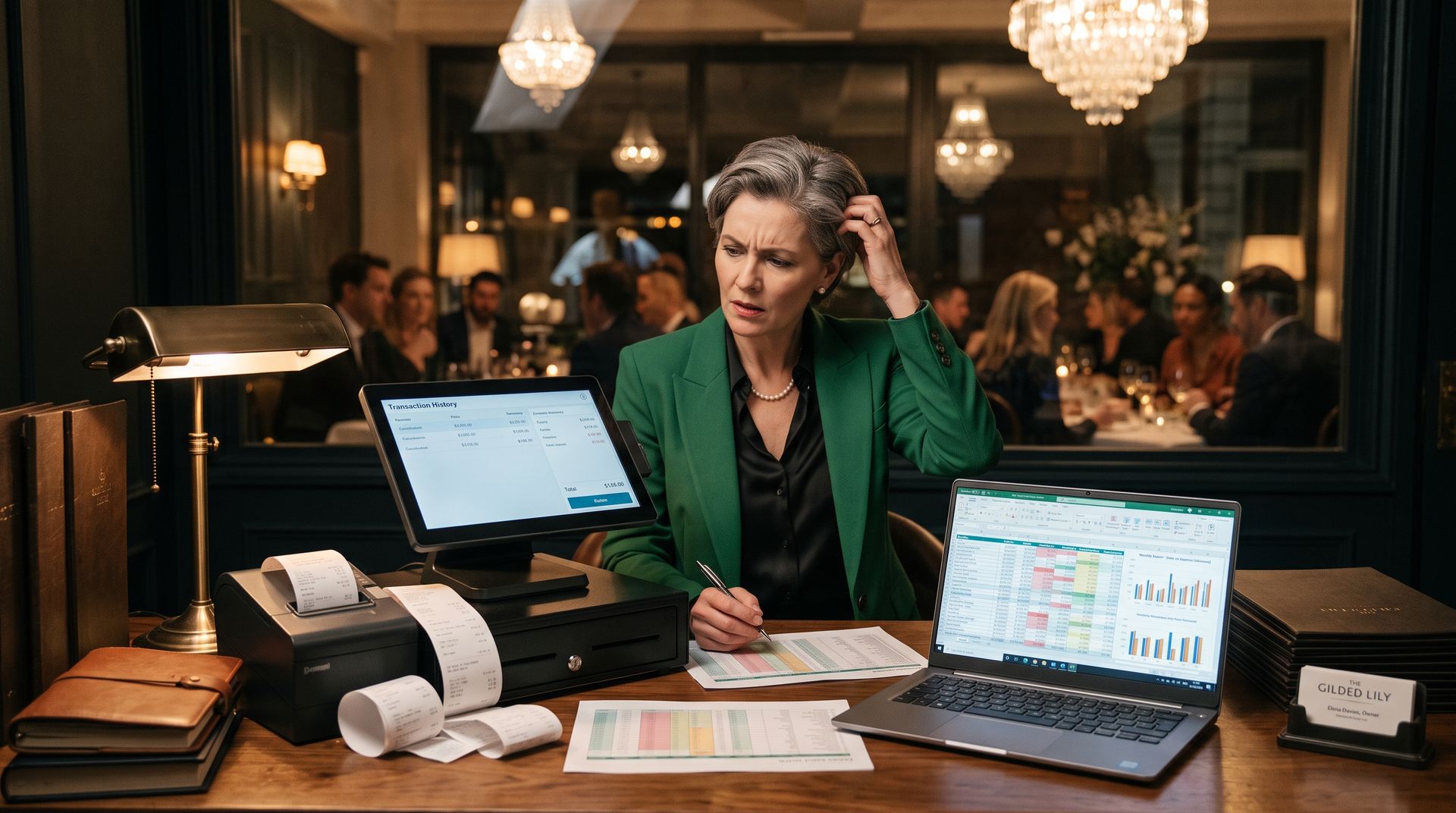
✖ De kassa, keuken en reserveringen werken niet vanuit dezelfde gegevens.
✖ Menu wijzigingen moeten op meerdere plaatsen worden aangepast.
✖ Voorraad en werkelijke inkoop sluiten onvoldoende op elkaar aan.
✖ Er is weinig inzicht in populaire gerechten, marges en verspilling.
✖ Personeelsplanning en aanwezigheid worden apart bijgehouden.
✖ Online bestellingen en bezorg orders vragen extra handmatig werk.
✖ Marketing and guest data are hardly utilized.
✖ End-of-day closing, payments, and accounting require a lot of post-control.
✖ With multiple locations, there is a lack of a reliable management overview.
With Odoo, Newconomie brings these processes together in one logical restaurant environment
Restaurants
For businesses with table service, different courses, reservations, and a direct connection between the dining room and kitchen.
Cafés and bars
For fast bar sales, open tabs, tables, tips, promotions, and inventory management of drinks.
Lunchrooms and coffee shops
For counter and table sales, takeout orders, combos, loyalty, and multiple payment methods.
Fast casual and quick service
For kiosks, QR ordering, takeout zones, kitchen statuses, and high order volumes.
Hotel restaurants
For restaurants that want to connect sales, reservations, events, invoicing, and multiple business units.
Catering and events
For requests, quotes, packages, planning, purchasing, execution, and invoicing.
Multiple locations
For restaurant groups that want to work by location and need central insight.
Tasting rooms and brewpubs
For hospitality businesses that also sell products, host tastings or collaborate with their own beverage production.
International hospitality concepts
For organizations with multiple companies, websites, languages, taxes and reports
Recognizable within your restaurant?
Many restaurants grow step by step. A reservation system is added, then a separate kitchen
platform, a scheduling app, and an accounting package.
Ultimately, important information is spread across
different systems and employees no longer know which data is leading.
✖ The POS, kitchen, and reservations do not work from the same data.
✖ Menu changes need to be adjusted in multiple places.
✖ Inventory and actual purchases do not align sufficiently.
✖ There is little insight into popular dishes, margins, and waste.
✖ Staff scheduling and attendance are kept separately.
✖ Online orders and delivery orders require extra manual work.
✖ Marketing and guest data are hardly utilized.
✖ Daily closing, payments, and accounting require a lot of post-control.
✖ With multiple locations, there is a lack of a reliable management overview.
With Odoo, Newconomie brings these processes together in one logical restaurant environment
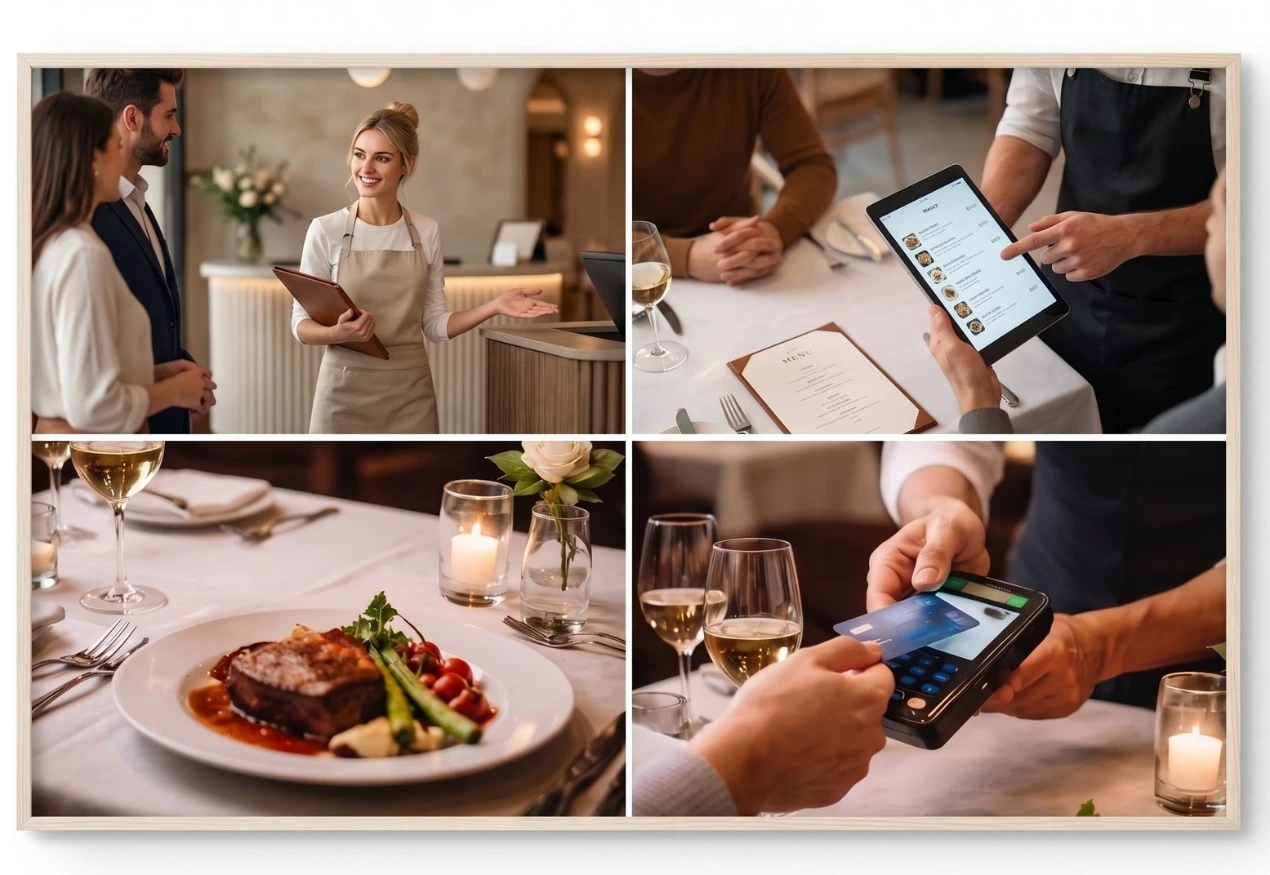
New Economy sets up the Odoo POS around the daily restaurant practice. Employees work with
clear product categories, tables, open orders, and payment methods. Sales are directly linked to
customers, revenue, payments, and reports.
Odoo Restaurant POS and Table Service
● Visual floor plan with tables, terraces, and different spaces;
● Taking orders at the table, bar, counter, or pickup point;
● Moving, merging tables, and transferring orders;
● Splitting bills by product, guest, or amount;
● Tips, cash payments, payment terminals, and online payments;
● Discounts, price lists, gift cards, and loyalty programs;
● Employee login with individual rights or PIN code;
● Digital or printed receipts and customer invoices;
● POS sessions, cash differences, and end-of-day closing.
Newconomie sets up the Odoo POS around the daily restaurant practice. Employees work with
clear product categories, tables, open orders, and payment methods. Sales are directly linked to
customers, revenue, payments, and reports.
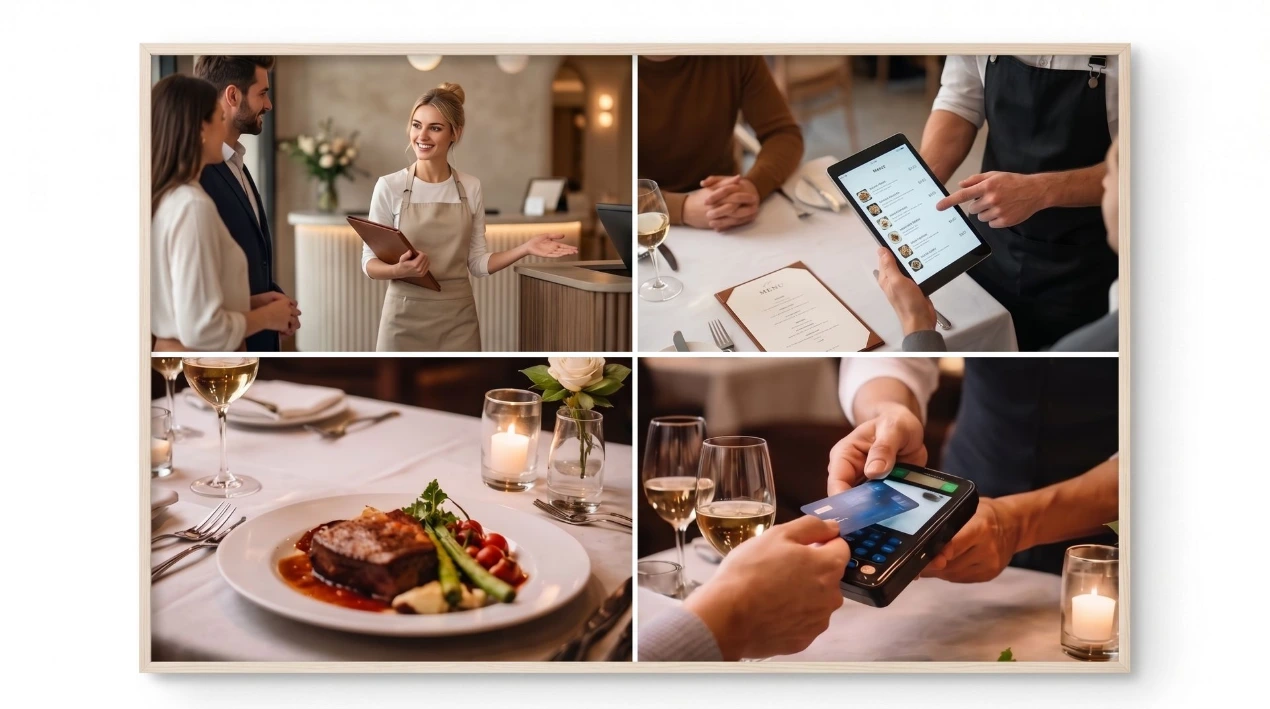
Odoo Restaurant POS and Table Service
● Visual floor plan with tables, terraces, and different spaces;
● Taking orders at the table, bar, counter, or pickup point;
● Moving, merging tables, and transferring orders;
● Splitting bills by product, guest, or amount;
● Tips, cash payments, payment terminals, and online payments;
● Discounts, price lists, gift cards, and loyalty programs;
● Employee login with individual rights or PIN code;
● Digital or printed receipts and customer invoices;
● POS sessions, cash differences, and end-of-day closing.
Kitchen, bar, and preparation
An order must reach the correct preparation station without delay or manual rewriting. Newconomie can configure kitchen and bar workflows using printers, digital preparation displays, and product categories.
● Automatically route orders to kitchen, bar, cold kitchen, or other stations;
● Kitchen Display System with statuses like New, In Preparation, and Ready;
● Hold courses and fire them at the right moment;
● Notes for cooking preferences, allergies, modifications, and extras;
● Track takeaway and self-service orders up to the moment of pickup;
● Clear overview of open, ready, and completed orders.
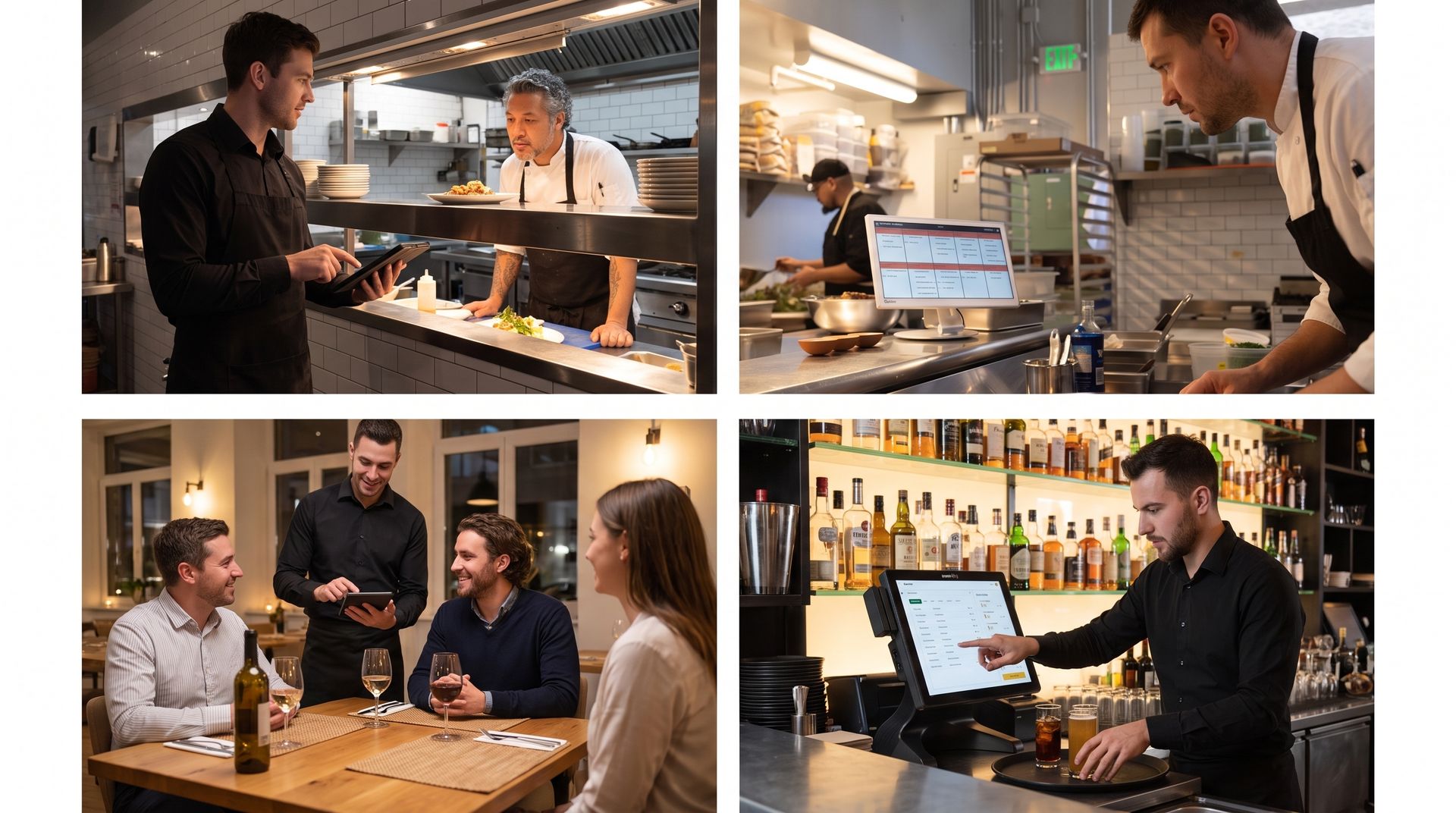
Kitchen, bar, and preparation
An order must arrive at the correct preparation station without delay and without rewriting.
Newconomie can set up kitchen and bar flows with printers, digital preparation screens and
product categories.
● Orders automatically distribute over kitchen, bar, cold kitchen or other stations;
● Kitchen Display System with statuses such as new, in preparation and ready;
● Hold courses and release at the right moment;
● Notes for cooking, allergies, adjustments and extras;
● Takeaway and self-service orders track until the pickup moment;
● Clear overview of open, pending and completed orders.
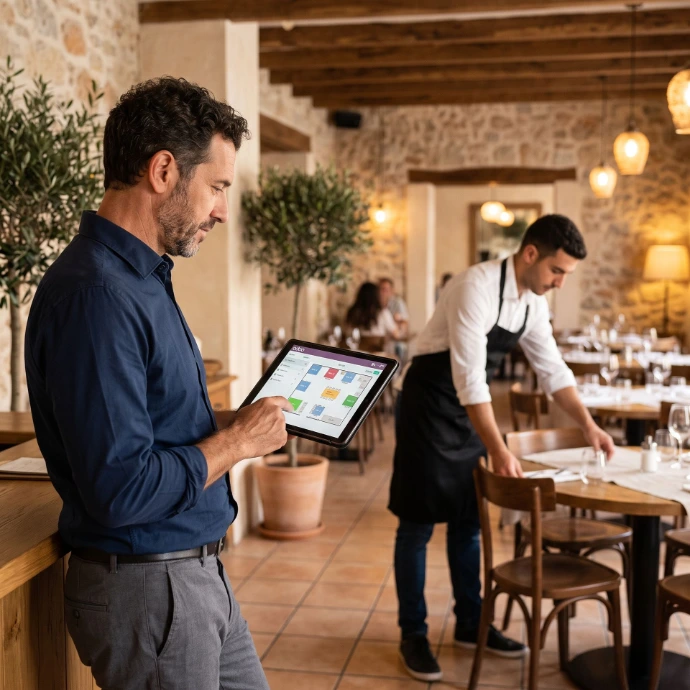
Reservations and table occupancy
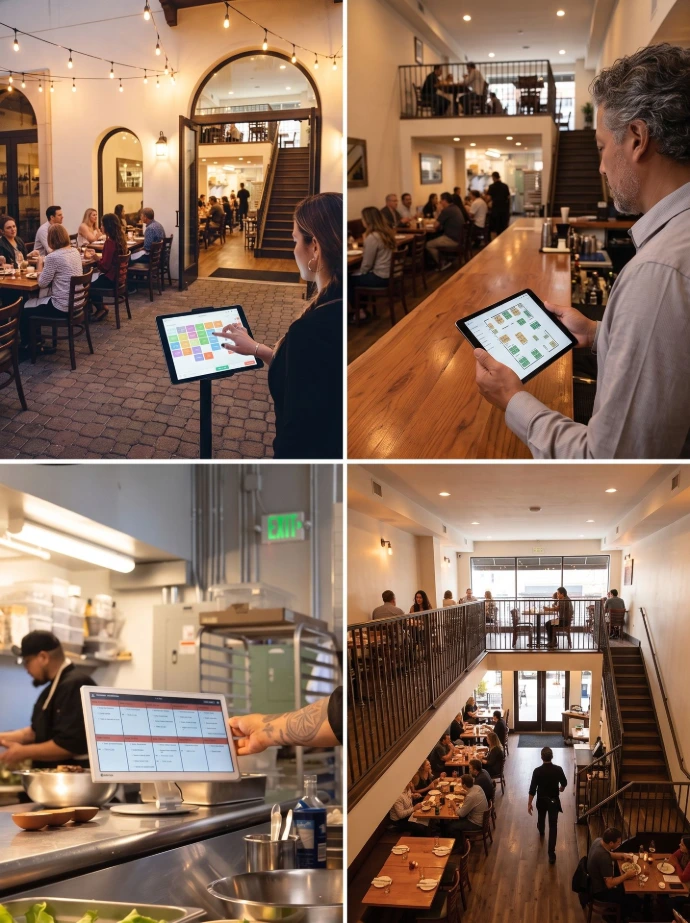
● Online reservation capabilities and time slots
● Link bookings to tables, rooms, or terraces;
● Monitor capacity per time slot or area;
● Central recording of guest details and preferences;
● Follow up on group requests or packages via CRM and Sales;
● Automate confirmations, reminders, and follow-up communications where appropriate
Newconomie can connect reservations to daily restaurant operations. This creates a unified overview of bookings, capacity, tables, and expected rush periods.
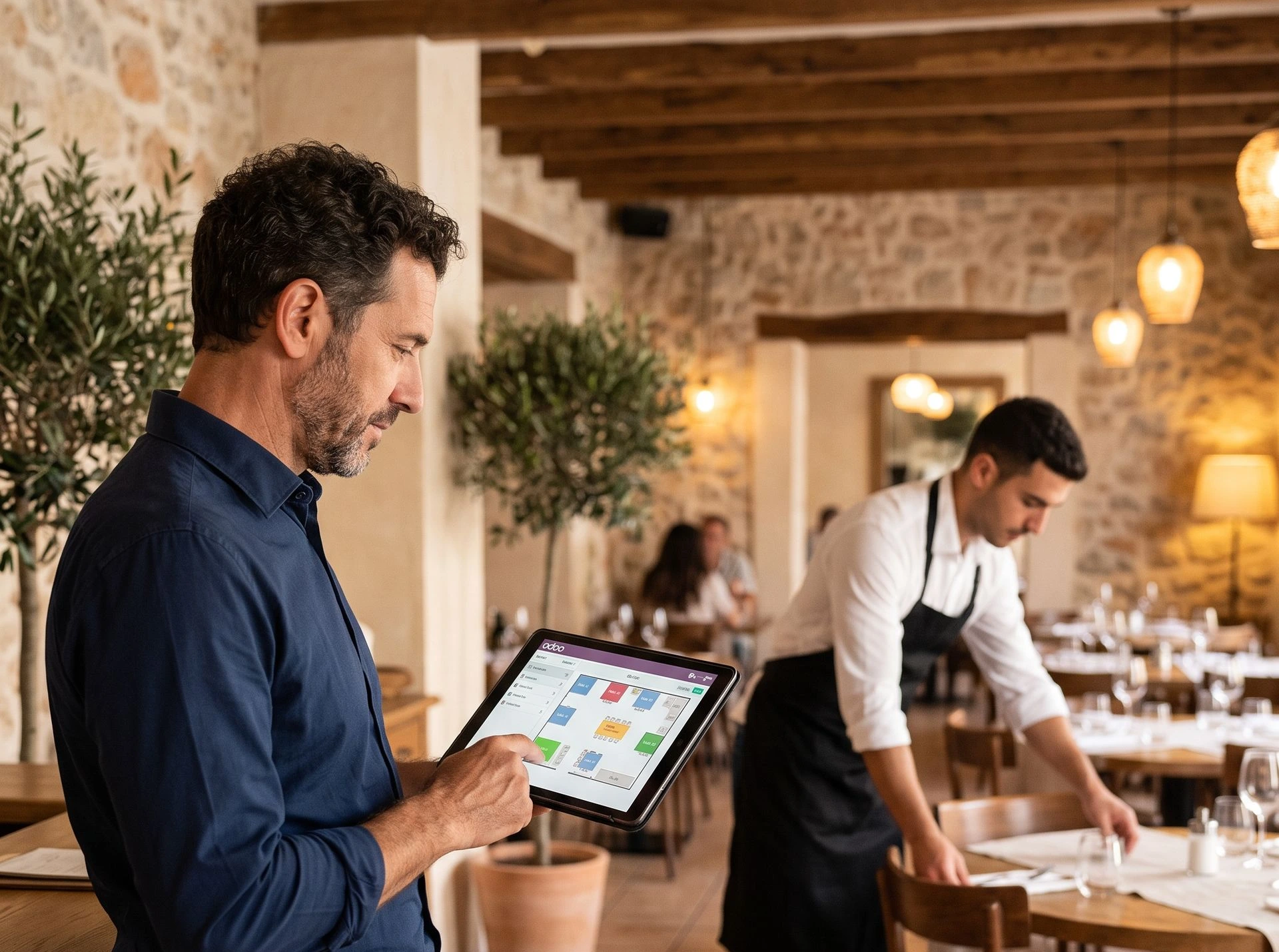
Reservations and table occupancy
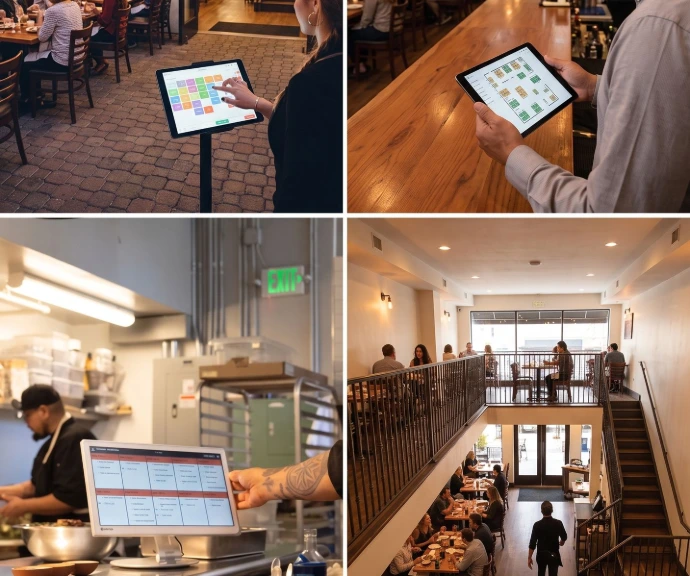
● Online reservation options and time slots;
● Bookings link to tables, rooms or terraces;
● Monitor capacity per moment or space;
● Guest data and special requests centrally record;
● Follow up group requests or arrangements via CRM and sales;
● Confirmations, reminders and follow-up communication automate where appropriate.
Newconomie can connect reservations to daily restaurant operations. This creates a unified overview of bookings, capacity, tables, and expected rush periods.
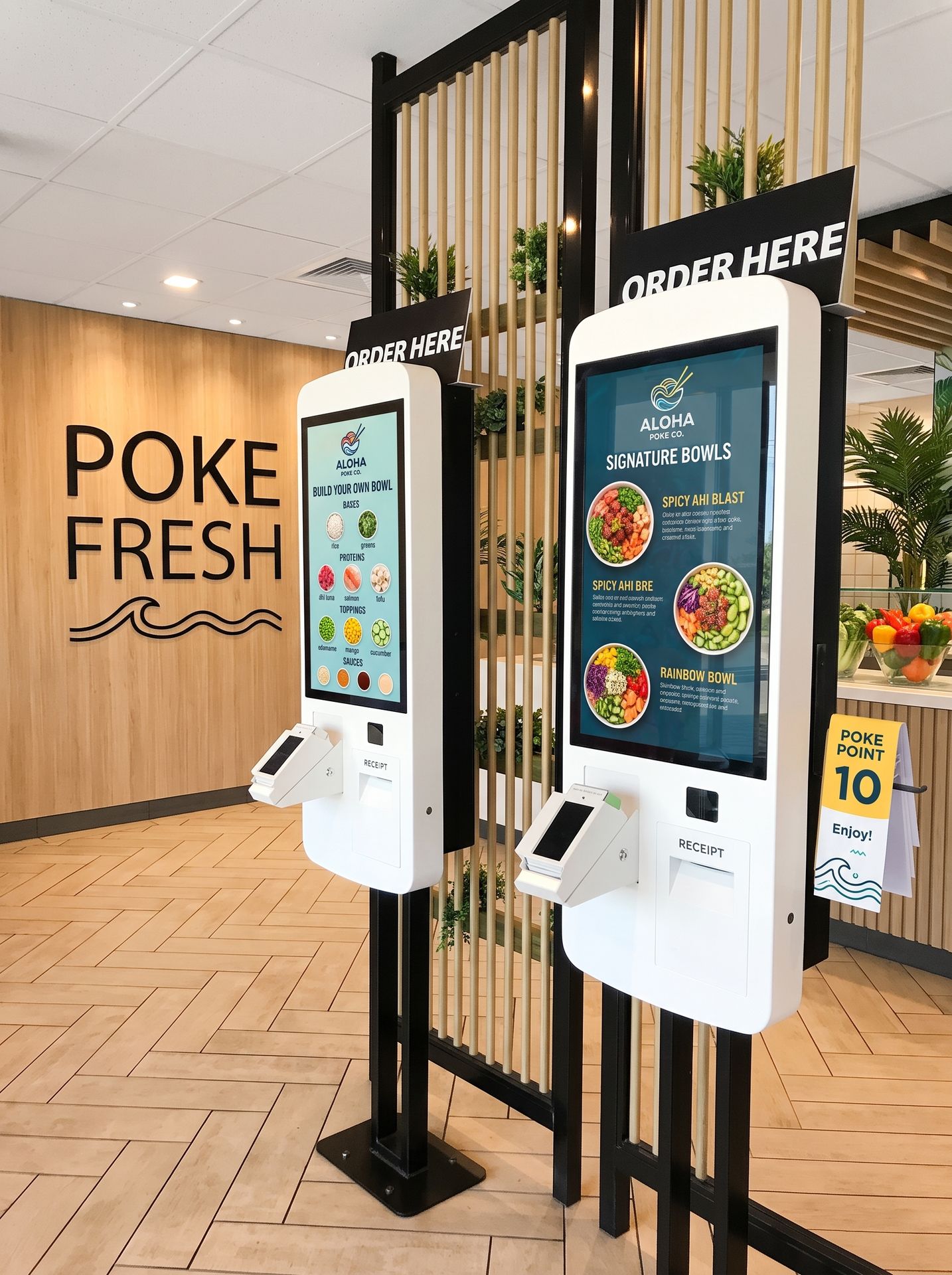
QR Ordering, Kiosks, and Online Sales
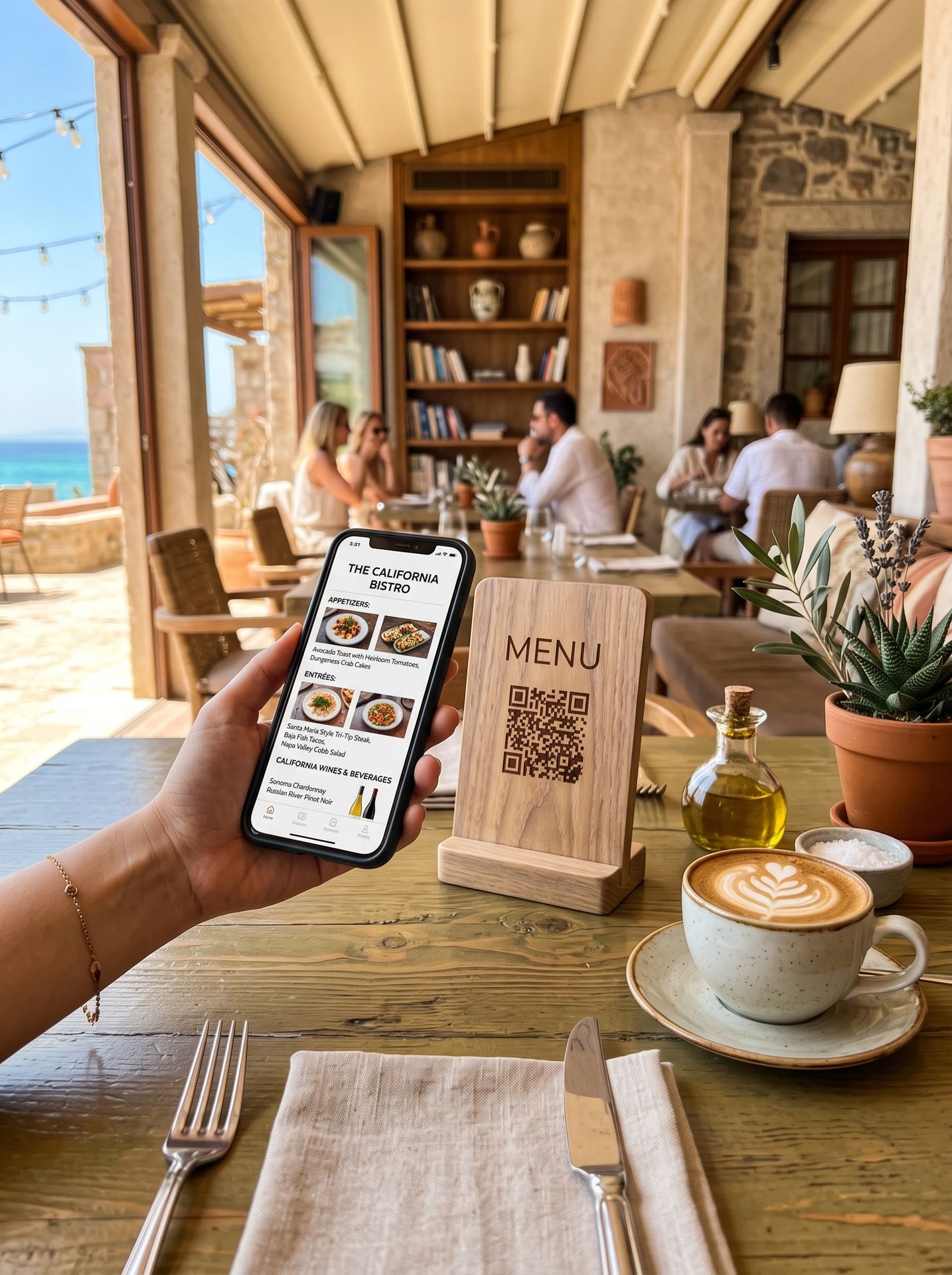
● Digital menu via QR code;
● Order and pay using the customer's own phone;
● Self-ordering kiosk for counter and takeaway concepts;
● Product variants, extras, option menus, and combos;
● Dedicated restaurant website with menu, promotions, and online ordering;
● Takeaway, delivery, or other fulfillment options depending on setup;
● Centralize supported external delivery orders via available integrations
For restaurants with takeout, quick service, terrace orders, or high peak busyness, Newconomie can set up self-service and online sales.
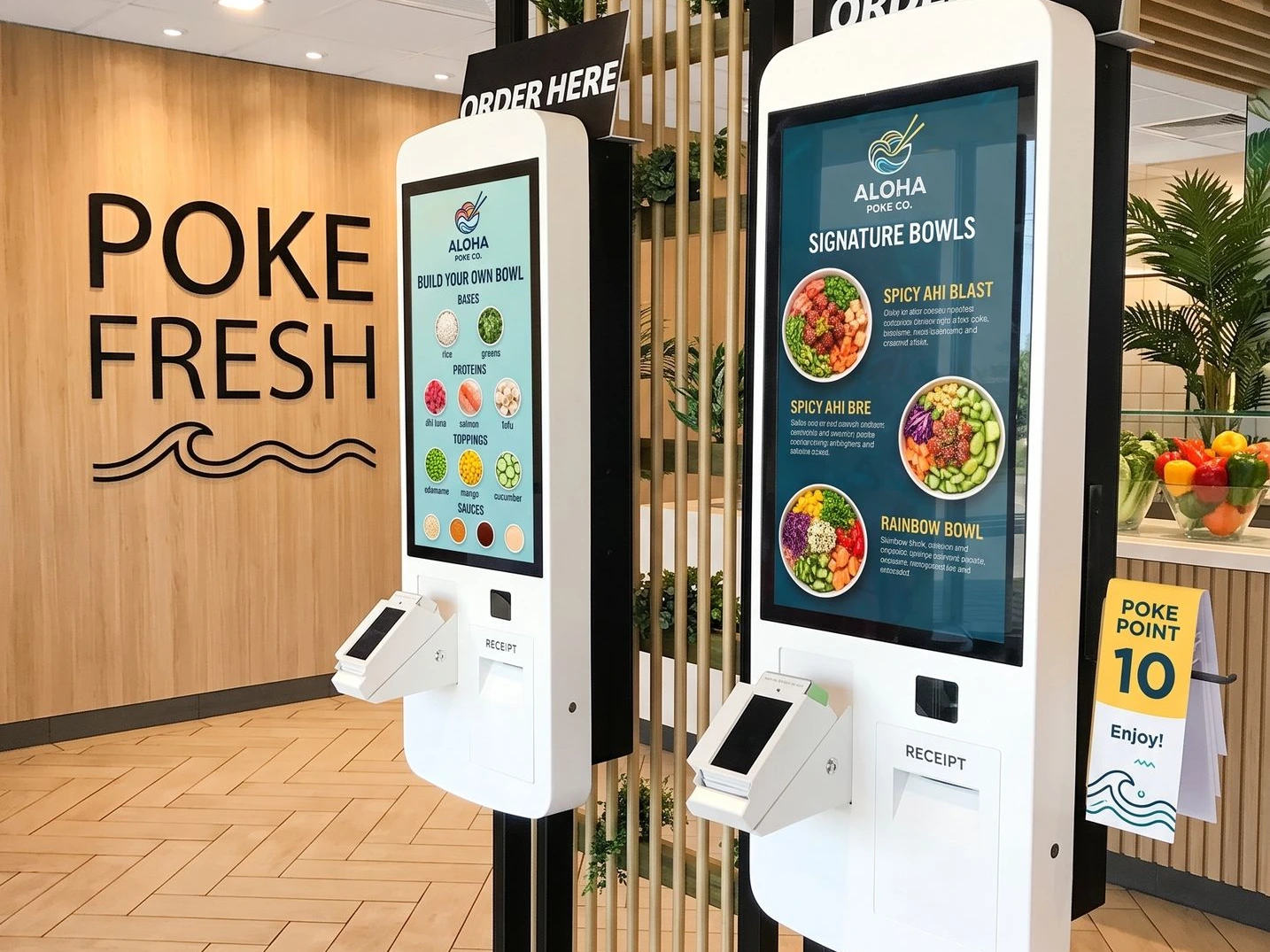
QR Ordering, Kiosks, and Online Sales
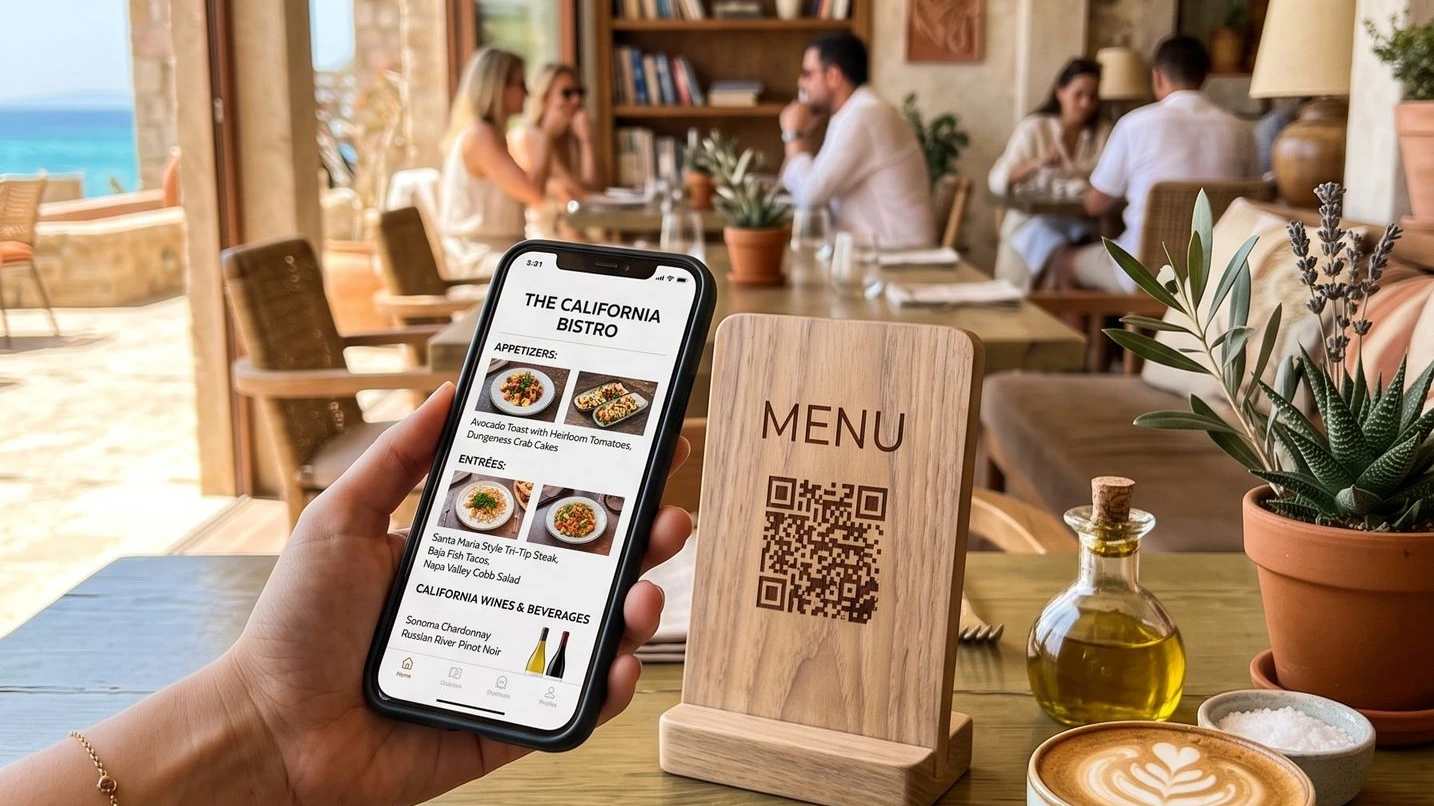
● Digital menu via QR code;
● Order and pay with a personal phone;
● Self-order kiosk for counter and takeout concepts;
● Product variants, extras, choice menus and combos;
● Own restaurant website with menu, promotions and online sales;
● Pick up, delivery or other delivery options depending on the setup;
● Supported external delivery orders centralized via available connections
For restaurants with takeout, quick service, terrace orders, or high peak busyness, Newconomie can set up self-service and online sales.
Menu, products, and central information
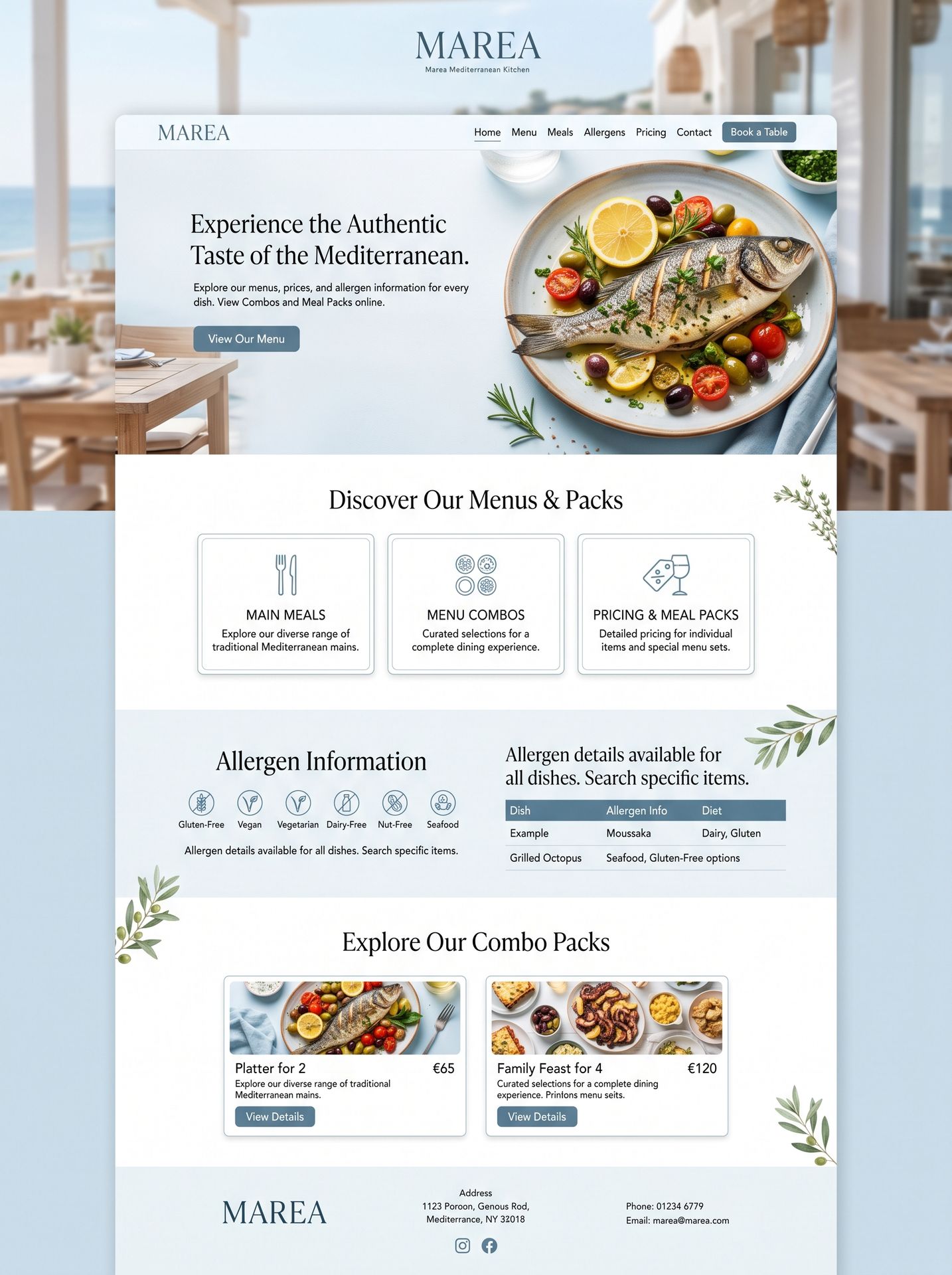
A reliable configuration begins with clean product data.
Newconomie structures dishes, drinks, categories, prices, taxes, and sales channels so the same master data serves POS, kitchen, website, inventory, and reporting.
● Dishes, beverages, menus, and categories;
● Variants, side dishes, extras, and customizable options;
● Different pricing for dine-in, takeaway, promotions, or locations;
● Tax settings for dine-in versus takeaway;
● Product images, descriptions, and online presentation;
● Allergen and product information where configured;
● Temporary availability and seasonal menus.
Menu, products, and central information
A reliable setup starts with good product data.
Newconomie structures dishes,
drinks, categories, prices, taxes and sales channels so that the same base is usable for
cash register, kitchen, website, inventory and reporting.
● Dishes, drinks, menus and categories;
● Variants, side dishes, extras and choice options;
● Different prices for dine-in, takeout, promotions or locations;
● Tax settings for dining in and takeout;
● Product images, descriptions and online presentation;
● Allergens- and product information where this data is organized;
● Temporary availability and seasonal menus.
More control behind the scenes, more experience at the table.
Contact
More control behind the scenes, more experience at the table.
Contact
Inventory, Purchasing, and Food Cost Control
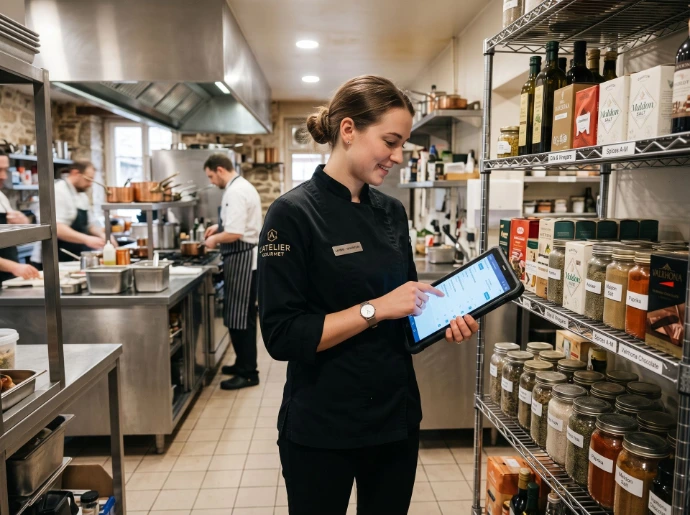
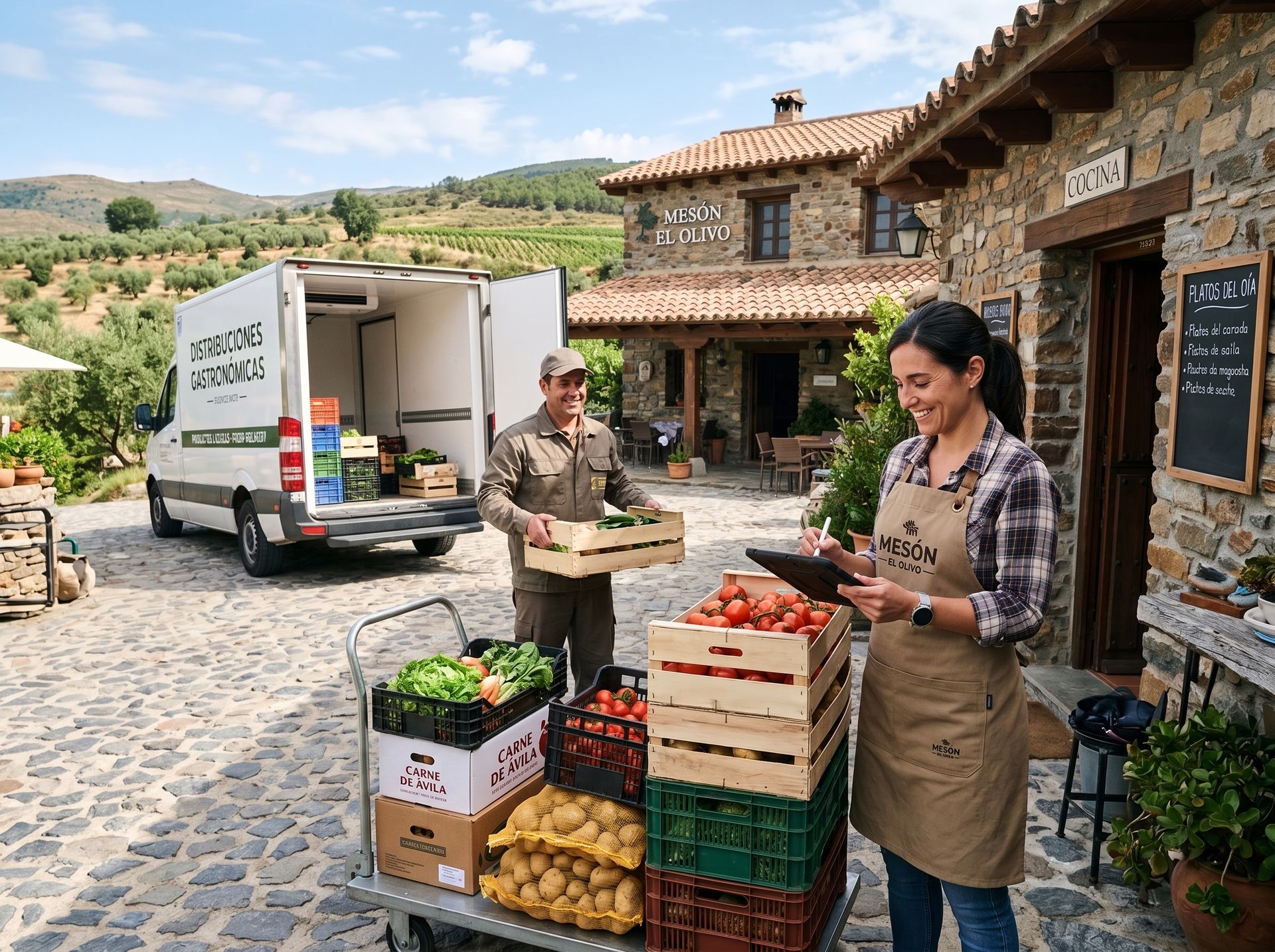
Inventory control in a restaurant requires a practical setup. Not every ingredient needs to be tracked in
the same way.
Newconomie determines together with the restaurant which products,
recipes and inventory movements provide sufficient value to register digitally.
● Inventory per kitchen, bar, warehouse, cellar, or location;
● Purchase orders, suppliers, delivery times, and current purchase prices;
● Minimum stock and automatic replenishment proposals;
● Receipt control, internal transfers, and periodic counts;
● Lot numbers, expiration dates, and FEFO where relevant;
● Registering waste, breakage, and spoiled inventory;
● Recipes or item lists for theoretical ingredient usage;
● Cost prices and margins per product or product group;
● Analysis of sales, inventory, and purchasing as a basis for menu engineering.
Newconomie does not unnecessarily burden inventory and recipes. The goal is reliable management information and less waste, without overloading the kitchen with administrative tasks that are not practical in practice.
Inventory, Purchasing, and Food Cost Control
Inventory control in a restaurant requires a practical setup. Not every ingredient needs to be tracked in
the same way.
Newconomy determines together with the restaurant which products,
recipes and inventory movements provide enough value to be registered digitally.
● Inventory per kitchen, bar, warehouse, cellar, or location;
● Purchase orders, suppliers, delivery times, and current purchase prices;
● Minimum stock and automatic replenishment proposals;
● Receipt control, internal transfers, and periodic counts;
● Lot numbers, expiration dates, and FEFO where relevant;
● Registering waste, breakage, and spoiled inventory;
● Recipes or bill of materials for theoretical ingredient usage;
● Cost prices and margins per product or product group;
● Analysis of sales, inventory, and purchases as a basis for menu engineering.
Newconomie does not unnecessarily burden inventory and recipes. The goal is reliable management information and less waste, without overloading the kitchen with administrative tasks that are not practical in practice.
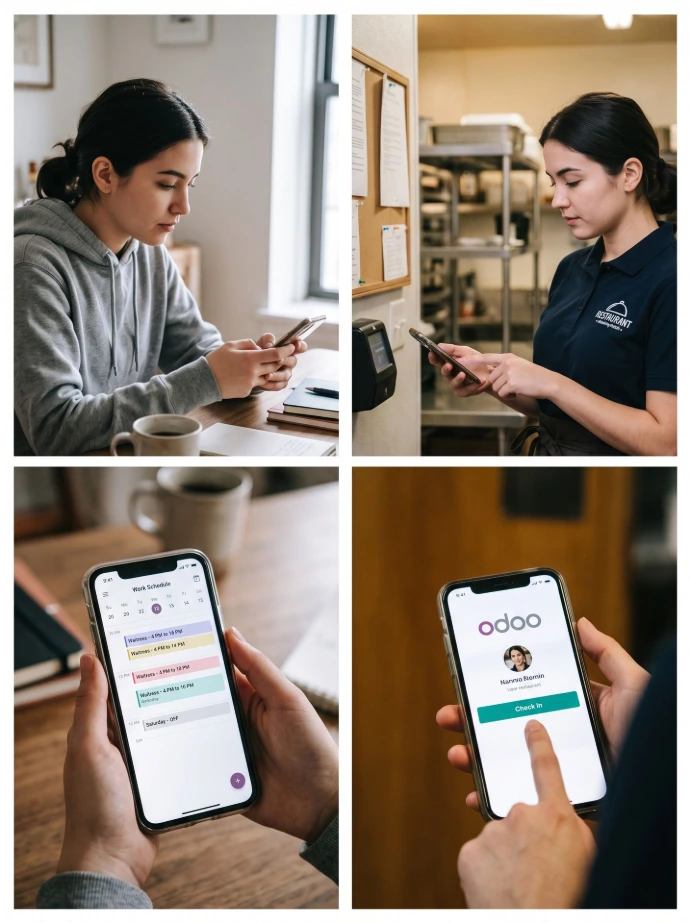
Beyond table operations, Odoo can also support employee organization. Newconomie can structure staff data, schedules, attendance, and internal procedures within the same environment.
● Planning of service, kitchen, bar and management;
● Roles, open shifts and digital publication of schedules;
● Attendance registration and control of worked hours;
● Leave, employee documents and contract information;
● User rights per role or responsibility;
● Internal knowledge base with procedures, checklists and work instructions;
● Maintenance of cooling systems, coffee machines and other equipment;
Staff planning and daily organization
Beyond table operations, Odoo can also support employee organization. Newconomie can structure staff data, schedules, attendance, and internal procedures within the same environment.
● Planning of service, kitchen, bar and management;
● Roles, open services and digital publication of schedules;
● Attendance registration and control of worked hours;
● Leave, employee documents and contract information;
● User rights per role or responsibility;
● Internal knowledge base with procedures, checklists and work instructions;
● Maintenance of cooling systems, coffee machines and other equipment;
Staff planning and daily organization
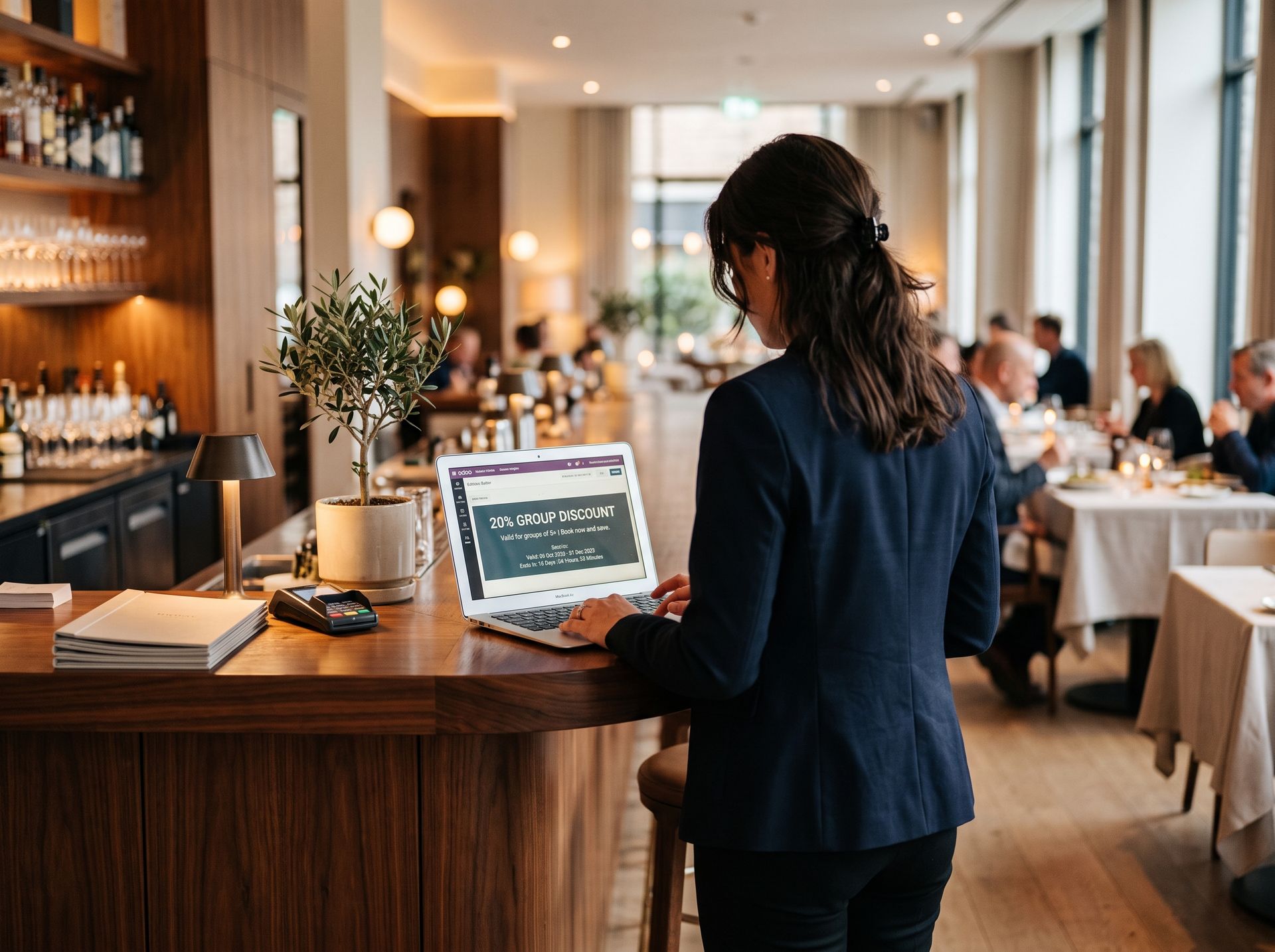
A restaurant generates valuable guest and sales data every day. Newconomie can leverage this data for targeted follow-up, loyalty, and repeat visits, within the boundaries of privacy laws and consent.
● CRM for group reservations, corporate dinners, catering, and partnerships;
● Guest segmentation based on relevant customer data and activity;
● Newsletters and targeted email campaigns;
● Social media planning and content publishing;
● Coupons, points, rewards, gift cards, and e-wallets;
● Surveys and guest feedback;
● Events, tastings, workshops, and ticket sales;
● Automatically flow website form submissions into sales follow-ups.
CRM, marketing, and guest relations

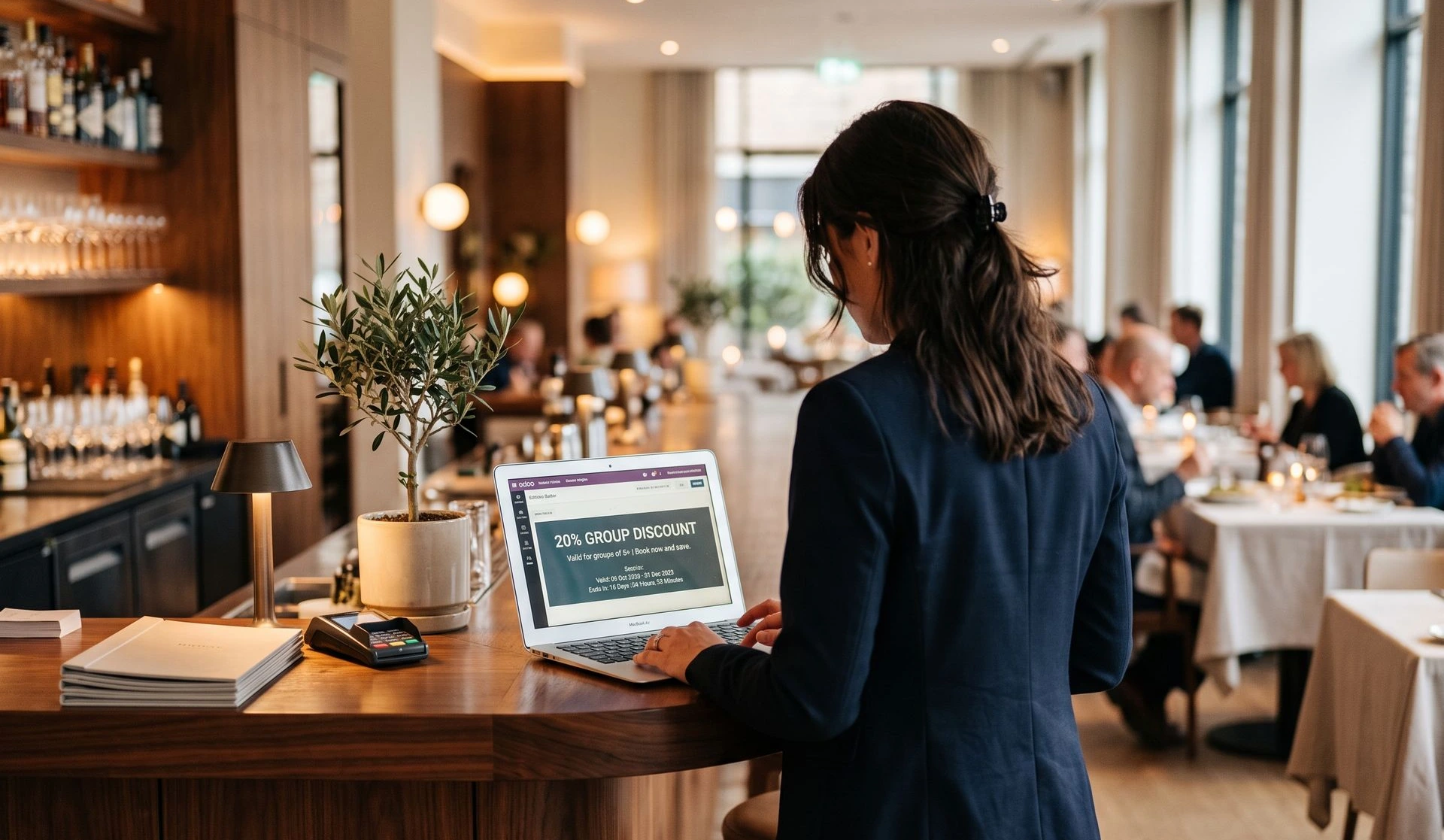
A restaurant has valuable guest and sales data daily. Newconomie can use this data
for targeted follow-up, loyalty, and repeat visits, within the boundaries of privacy legislation and
the chosen consent.
● CRM for group reservations, corporate dinners, catering, and collaborations;
● Guest Segments based on relevant customer data and activities;
● Newsletters and targeted email campaigns;
● Social Media Planning and content publication;
● Coupons, points, rewards, gift cards and e-wallets;
● Surveys and guest feedback;
● Events, tastings, workshops and ticket sales;
● Website Automatically route forms to follow-up.
CRM, marketing, and guest relations
Accounting, payments, and management information

The power of Odoo lies for Newconomy not only in the restaurant cash register, but precisely in the connection
with the financial administration and the reports with which entrepreneurs manage their business.
● Cash sales automatically processed in the correct journals;
● Payment methods, cash, card, online payments and outstanding amounts;
● Purchase invoices, costs, bank transactions and reconciliation;
● Taxes and fiscal positions appropriate for the country and sales format;
● Revenue reports per product, category, employee, time and location;
● Insight into payment methods, average order value and sales moments;
● Analytical reports per location, concept or cost center;
● Central management overview for multiple restaurants or businesses.
Accounting, payments and management information
The power of Odoo lies for Newconomy not only in the restaurant cash register, but precisely in the connection
with the financial administration and the reports with which entrepreneurs manage their business.
● Cash sales automatically process in the correct journals;
● Payment methods, cash, card, online payments and outstanding amounts;
● Purchase invoices, costs, bank transactions and reconciliation;
● Taxes and tax positions appropriate to the country and the sales form;
● Revenue reports per product, category, employee, time and location;
● Insight into payment methods, average order value and sales moments;
● Analytical reports per location, concept or cost center;
● Central management overview for multiple restaurants or businesses.
Multiple restaurants, websites and businesses
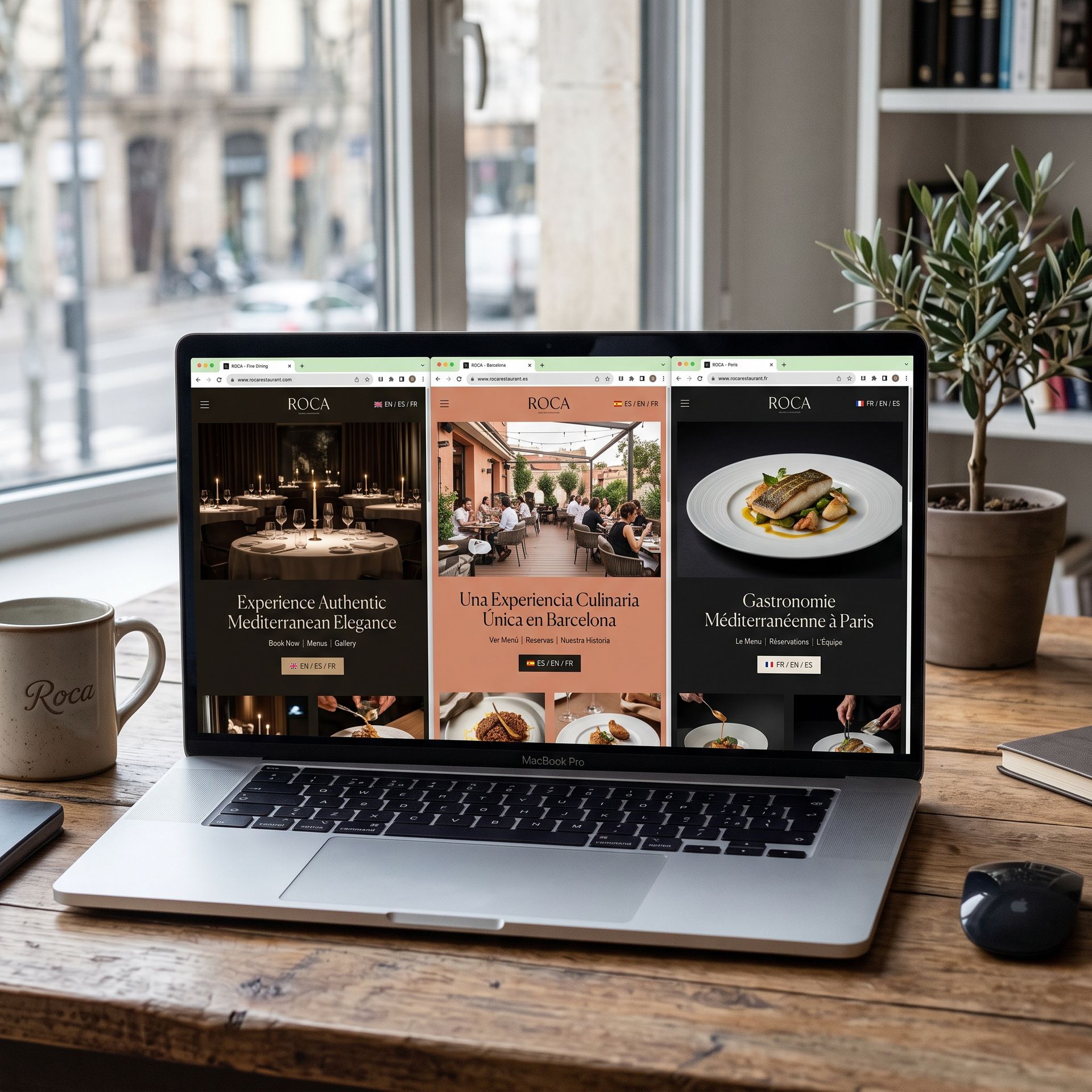
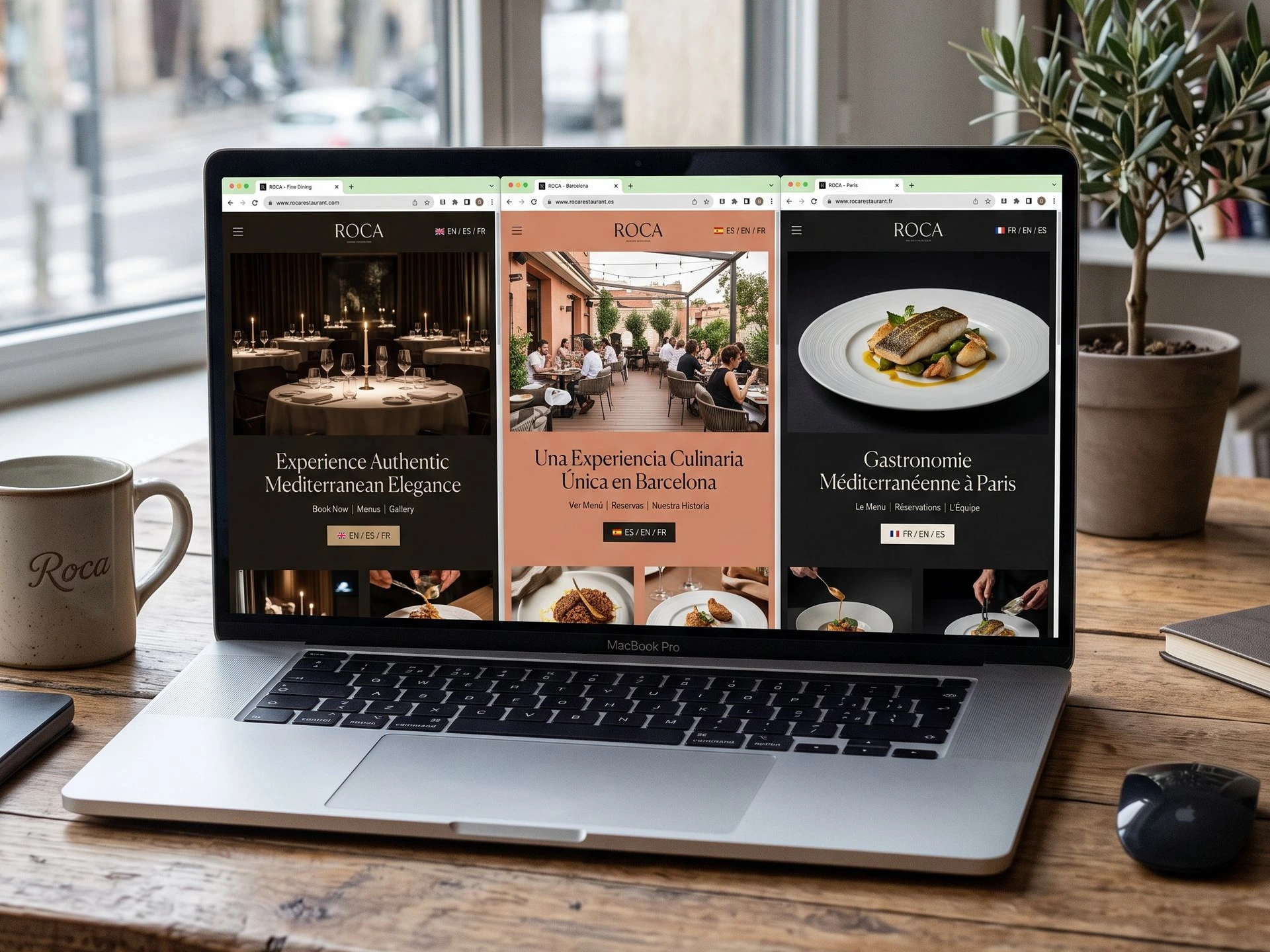
For restaurant groups and entrepreneurs with multiple concepts, Newconomie Odoo can be set up as multi-company,
multi-website and multi-location. Each location can operate with its own cash register, menu, inventory and
administration, while management maintains central insight.
● Multiple POS terminals, rooms, warehouses and locations;
● Central or local management of products and prices;
● Different websites, languages and brands;
● Separate companies and administrations;
● Intercompany Processes where needed;
● Combined and separate reports;
● Rights and responsibilities per location.
Multiple restaurants, websites and businesses
For restaurant groups and entrepreneurs with multiple concepts, Newconomie Odoo set up multi-company,
multi-website, and multi-location. Each location can operate with its own cash register, menu, inventory, and
administration, while management maintains central insight.
● Multiple cash registers, rooms, warehouses, and locations;
● Central or local management of products and prices;
● Different websites, languages, and brands;
● Separate companies and administrations;
● Intercompany Processes where needed;
● Combined and separate reports;
● Rights and responsibilities per location.
Why Newconomie for Odoo in restaurants?
✽ A restaurant has little use for a technically correct standard installation that does not connect to the floor.
Newconomie therefore starts with the actual route from reservation and order to preparation, payment,
inventory and administration.
One point of contact
Newconomie can guide technology, processes, website and commercial setup in context.
Further development
After going live, the environment can be gradually expanded and further optimized.
SEO and online growth
We combine Odoo implementation with website building, content, SEO and GEO.
Practical training
We guide employees step by step and set up screens and rights as simply as possible.
POS and operation
We translate table service, kitchen, bar, takeout and payments into a workable setup
Multi-company and websites
We have extensive experience with complex Odoo environments with multiple companies, countries and websites.
Data and migration
We can check and import products, customers, suppliers, prices, and other master data.
ERP-wide
We connect the cash register with inventory, purchasing, personnel, CRM, website, marketing, and accounting.
Process-oriented
We set up Odoo around the daily restaurant workflow and not just around the individual apps.
Why Newconomie for Odoo in restaurants?
✽ A restaurant has little use for a technically correct standard installation that does not fit the floor. Newconomie therefore starts with the actual route from reservation and order to preparation, payment, inventory, and administration.
One point of contact
Newconomie can guide technology, processes, website and commercial setup in context.
Further development
After going live, the environment can be gradually expanded and further optimized.
SEO and online growth
We combine Odoo implementation with website building, content, SEO and GEO.
Practical training
We guide employees step by step and set up screens and rights as simply as possible.
POS and operation
We translate table service, kitchen, bar, takeout and payments into a workable setup
Multi-company and websites
We have extensive experience with complex Odoo environments with multiple companies, countries and websites.
Data and migration
We can check and import products, customers, suppliers, prices, and other master data.
ERP-wide
We connect the cash register with inventory, purchasing, personnel, CRM, website, marketing, and accounting.
Process-oriented
We set up Odoo around the daily restaurant workflow and not just around the individual apps.
Our approach

Analyse
We map out the restaurant concept, service formats, peak times, current systems, and growth goals
Configuration
We build products, tables, cash register, kitchen,
inventory, administration, and other selected
components.
Testing and training
We test real scenarios with service, kitchen
and management and train the involved
employees.
Design
We determine which Odoo apps, workflows,
hardware, permissions, and integrations are needed.
Go-live
We guide the transition and monitor the
daily processes and financial processing.
Optimization
We improve reporting, automation,
website, marketing, and additional processes
when the foundation is working stably.
Our approach
Analyse
We map out the restaurant concept, service formats, peak times, current systems, and growth goals
Configuration
We build products, tables, cash register, kitchen,
inventory, administration, and other selected
components.
Testing and training
We test real scenarios with service, kitchen
and management and train the involved
employees.
Design
We determine which Odoo apps, workflows,
hardware, permissions, and integrations are needed.
Go-live
We guide the transition and monitor the
daily processes and financial processing.
Optimization
We improve reporting, automation,
website, marketing, and additional processes
when the foundation is working stably.
Some handy apps for this sector

Point of Sale
Quick sales in the store

Inventory
Smart inventory management

Reservations
Online
table booking

Purchasing
Automatic purchasing

Appointments
Appointment management

Email Marketing
Targeted actions & newsletters
A central basis for hospitality and growth
With a well-configured Odoo environment, restaurant POS, kitchen, inventory, staff, guest
relationships, and administration become integrated components. Newconomie ensures that the setup remains
understandable for employees while providing sufficient information for management and growth.
The result is more calm behind the scenes, less duplicate work, and more attention for the
guest.
A central basis for hospitality and growth
With a well-configured Odoo environment, restaurant cash register, kitchen, inventory, staff, guest
relationships, and administration are no longer separate components.
Newconomie ensures that the setup remains understandable
for employees while providing sufficient information for management and growth.
The result is more calm behind the scenes, less duplicate work, and more attention for the
guest.
Frequently Asked Questions
Newconomie can connect restaurant POS, table service, kitchen orders, reservations, QR ordering, kiosks, inventory, purchasing, staff, website, marketing, accounting, and reporting in one Odoo environment.
Yes. Odoo Point of Sale includes specific restaurant features for floor plans, tables, open orders, kitchen notifications, courses, split bills, tips, and payments.
Yes. The Odoo POS is browser-based and can be used on suitable tablets or other devices. Orders are linked to a table and sent directly to the kitchen or bar.
Yes. Odoo has a Preparation Display that allows orders to be displayed by preparation post and status. Additionally, kitchen and bar printers can be set up.
Yes. Odoo supports self-ordering via QR code and an ordering kiosk. Guests can view the menu, place orders, and depending on the configuration, pay directly.
Yes. In Odoo 19, booking can be enabled within the restaurant POS. Additionally, appointments, website forms, CRM, and communication can be used for additional reservation and group processes.
Yes. Odoo can manage inventory locations, suppliers, purchasing, lot numbers, expiration dates, waste, and replenishment. Recipes and theoretical ingredient usage can be set up additionally when it adds practical value.
Yes. Odoo Planning supports shifts, roles, and open shifts. With additional HR apps, attendance, leave, contracts, and employee documents can be managed.
Yes. Newconomie can build an Odoo website with menus, reservation options, promotions, forms, blogs, SEO, GEO, and where applicable, online ordering.
Yes. Odoo supports loyalty programs, coupons, rewards, gift cards, and e-wallets for Point of Sale and other supported sales channels.
Yes. Odoo supports multiple POS, locations, warehouses, websites, and companies. Newconomie can set up rights, product data, and reports centrally or per location.
Yes. The setup can be adapted to table service, bar sales, counter service, quick service, takeout, catering, or a combination of these.
Not always. Some options require additional Odoo apps, configuration, suitable hardware, a payment provider, or an external connection. Newconomy determines in advance which components are feasible and meaningful for the specific restaurant.
Frequently Asked Questions
Newconomie can connect restaurant POS, table service, kitchen orders, reservations, QR ordering, kiosks, inventory, purchasing, staff, website, marketing, accounting, and reporting in one Odoo environment.
Yes. Odoo Point of Sale includes specific restaurant features for floor plans, tables, open orders, kitchen notifications, courses, split bills, tips, and payments.
Yes. The Odoo POS is browser-based and can be used on suitable tablets or other devices. Orders are linked to a table and sent directly to the kitchen or bar.
Yes. Odoo has a Preparation Display that allows orders to be displayed by preparation post and status. Additionally, kitchen and bar printers can be set up.
Yes. Odoo supports self-ordering via QR code and an ordering kiosk. Guests can view the menu, place orders, and depending on the configuration, pay directly.
Yes. In Odoo 19, booking can be enabled within the restaurant POS. Additionally, appointments, website forms, CRM, and communication can be used for additional reservation and group processes.
Yes. Odoo can manage inventory locations, suppliers, purchasing, lot numbers, expiration dates, waste, and replenishment. Recipes and theoretical ingredient usage can be set up additionally when it adds practical value.
Yes. Odoo Planning supports shifts, roles, and open shifts. With additional HR apps, attendance, leave, contracts, and employee documents can be managed.
Yes. Newconomie can build an Odoo website with menus, reservation options, promotions, forms, blogs, SEO, GEO, and where applicable, online ordering.
Yes. Odoo supports loyalty programs, coupons, rewards, gift cards, and e-wallets for Point of Sale and other supported sales channels.
Yes. Odoo supports multiple POS, locations, warehouses, websites, and companies. Newconomie can set up rights, product data, and reports centrally or per location.
Yes. The setup can be adapted to table service, bar sales, counter service, quick service, takeout, catering, or a combination of these.
Not always. Some options require additional Odoo apps, configuration, suitable hardware, a payment provider, or an external connection. Newconomy determines in advance which components are feasible and meaningful for the specific restaurant.
Some handy apps for this sector
Point of Sale
Quick sales in the store
Inventory
Smart inventory management
Reservations
Online
table booking
Purchasing
Automatic purchasing
Appointments
Appointment management
Email Marketing
Targeted actions & newsletters